Your mobile visitors
can't navigate.
They're leaving.
80% of your traffic is on mobile. Yet most Shopify stores still use a tiny hamburger icon in the corner. Navi+ Tab Bar fixes that — giving every visitor a clear, thumb-friendly bottom nav bar, just like a native app.

Standard Shopify navigation was designed for desktop. On mobile, it breaks the experience in three critical ways.
The hamburger is invisible
Visitors don't instinctively look for a small icon in the corner. Up to 40% of mobile users never open the menu at all — they just leave.
Key pages are buried
Cart, Account, Search — the actions that drive conversions — are hidden behind multiple taps. Friction kills intent.
It doesn't feel like an app
Shoppers compare your store to apps like Amazon and ASOS. A clunky mobile nav signals low quality, hurting trust and conversion.
In minutes. No code.
Navi+ Tab Bar pins your most important pages to the bottom of the screen — always visible, always one tap away.
Fixed to the bottom of the screen
Stays in place as visitors scroll. Home, Shop, Search, Cart, Account — always one thumb-tap away, exactly where users expect it.
Cart count badge built in
Show the live cart item count on the Cart icon. No extra apps, no configuration — it just works.
Fully replaces your theme's icons
Navi+ can take over the Search, Menu, and Cart icons from your existing theme — giving you complete control over the mobile nav experience.
Show only on mobile, automatically
The Tab Bar appears only on mobile screens. Desktop visitors see your existing navigation — no conflicts, no configuration needed.
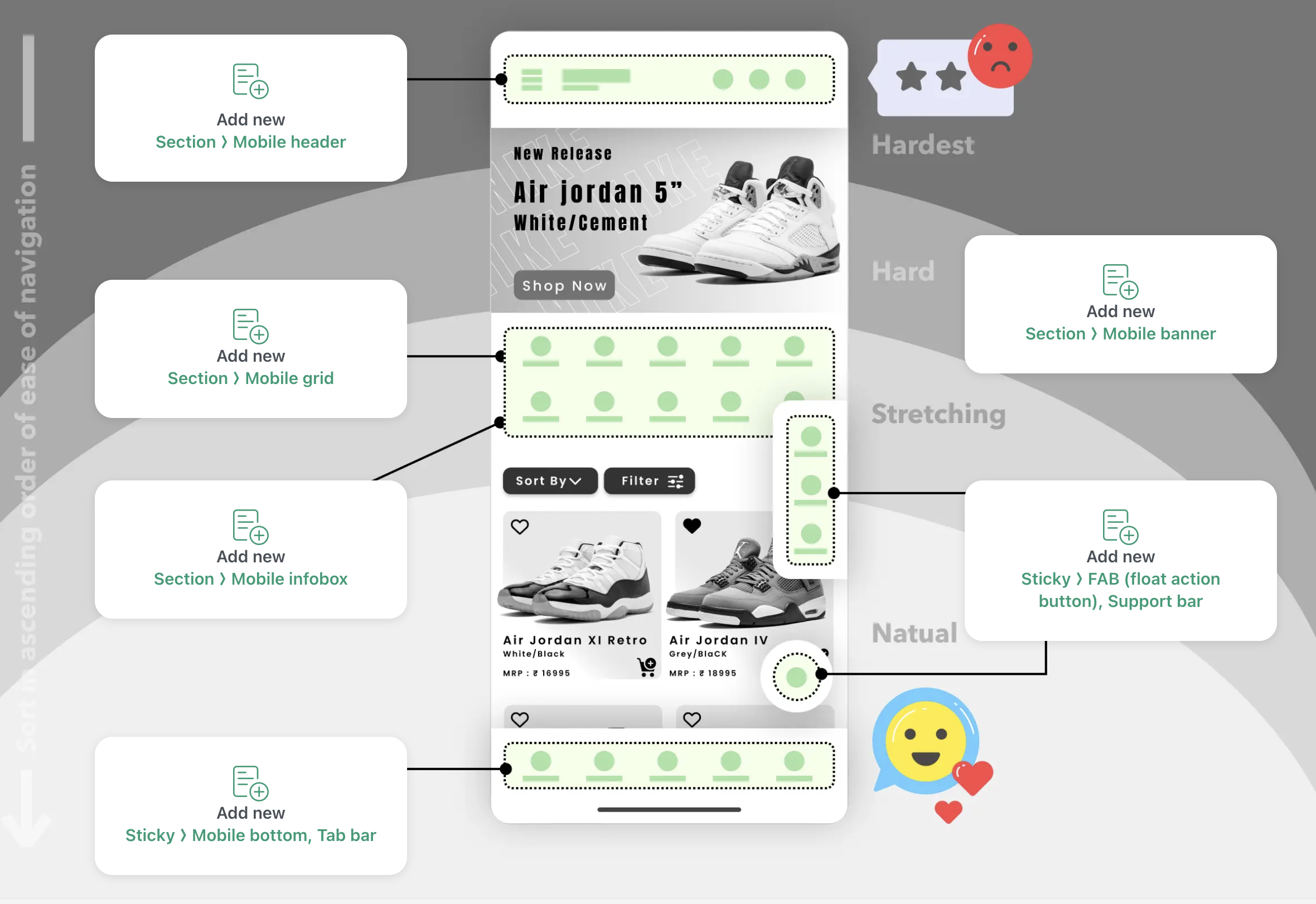
Install Navi+
Add from the Shopify App Store in one click. No theme code, no developer needed. The app embeds itself automatically.
Configure your Tab Bar
Choose your icons from Remix Icons, set the destination links, and pick your colors to match your brand. Takes under 3 minutes.
Publish & watch engagement rise
Hit publish. Your Tab Bar goes live instantly via global CDN. Mobile visitors now have a clear, thumb-friendly way to navigate your store.
20+ pre-built templates
Start from a professionally designed template and customize to match your brand.
Live cart badge
Cart item count updates in real-time on the Cart tab icon — no custom code needed.
Multi-language support
Tab Bar adapts automatically to your store's active language. Works with Shopify Markets.
Lightning fast via CDN
Served from edge servers across 6 continents. Average load time: 242ms. No slowdown.
AI-assisted design
Let AI suggest the best Tab Bar layout for your store type, products, and audience.
Zero conflicts
Built with pure HTML5/CSS3 — no JS libraries. Works with every Shopify theme, guaranteed.
Free to install. Live in under 5 minutes. No theme edits required.