Shopify Mega Menu for Large Catalogs
and
faster product discovery.
Visitors who can't find what they need in 3 clicks bounce. Navi+ Mega Menu organizes your entire Shopify catalog into an intuitive, multi-column visual dropdown — with images, banners, and zero theme code.

Categories are hard to scan
A long list of text links doesn't give visitors a sense of what's in each section. They click, don't find what they expected, and move on.
Products stay undiscovered
New arrivals, sales, and bestsellers sit on category pages. The menu — the highest-attention spot in your store — rarely surfaces them.
Browsing takes too many clicks
When categories are nested several levels deep, visitors have to commit before knowing if a section is relevant. Many don't bother.
Mega Menu opens a structured dropdown when a visitor navigates — showing multiple columns of categories, optional images, and featured links, all at once.
Multi-column layout with images
Organize categories into multiple side-by-side columns. Add images so visitors know what they're clicking into before they click.
Featured product or banner area
Add a dedicated section for a featured product, sale, or promotion alongside your categories — without a separate placement.
Separate versions for mobile and desktop
The desktop version uses a hover/click dropdown. The mobile version is a dedicated, optimized layout — designed for touch, not just a resized version of the same thing.
Works on any website
Shopify, WooCommerce, WordPress, Wix, or plain HTML. One embed, live in minutes, no developer needed.

Install & connect your menu
Install Navi+, then link to your existing navigation structure. Your categories are imported automatically.
Design the dropdown layout
Arrange items into columns, add images, and add a featured section if needed. Start from a template to save time.
Publish — no theme edits
Hit publish and the Mega Menu goes live. No theme file changes, no developer needed.
Multi-column layout
Organize your categories into multiple side-by-side columns — as many as your catalog needs.
Category images
Upload images for each category. Visuals help visitors navigate faster and with more confidence.
Featured product section
Surface a product, sale, or promotion directly inside the menu, where visitor attention is highest.
Separate mobile and desktop versions
Desktop gets a rich dropdown. Mobile gets a dedicated layout optimized for touch — both managed from the same place.
AI menu migration
Already have a menu set up? Let AI convert your existing menu structure into a Navi+ Mega Menu — no manual rebuilding needed.
Zero conflicts & speed optimized
Pure lightweight HTML5/CSS3. CDN-hosted runtime works alongside any Shopify theme with zero impact on PageSpeed.
Most visitors to large stores only see a fraction of what's available — not because they're not interested, but because the navigation doesn't make it easy to explore. A well-organized Mega Menu puts more of your catalog in view without extra clicks.
Step-by-step setup guides and exact CSS selectors for the most popular free and premium Shopify themes. 100% no-code integration.

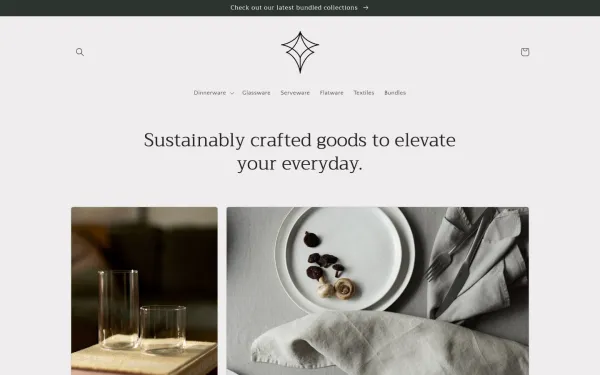
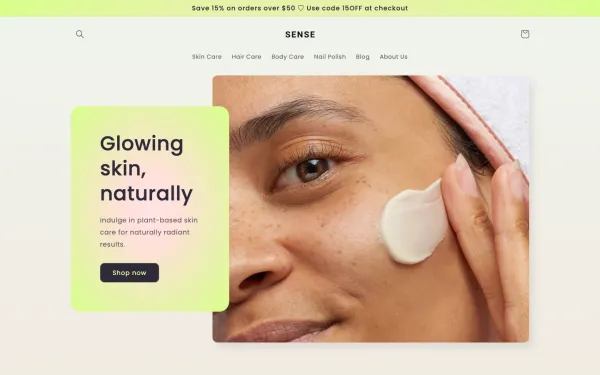
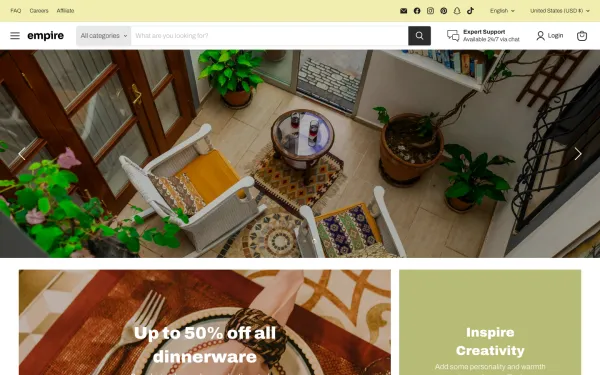
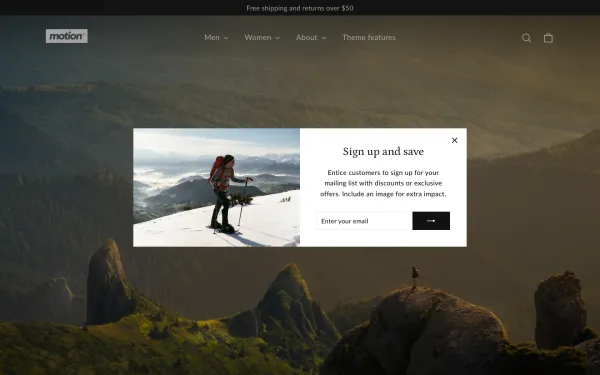
Tab Bar
Add an app-like Shopify bottom navigation bar with Home, Search, Cart and Menu tabs. Mobile-first design, z...
Mobile Menu
Replace your basic theme drawer with a multi-level Shopify mobile menu. Nested sub-categories, instant sear...
Floating Button
Add a sticky floating action button (FAB) for WhatsApp, phone, live chat and support. Smart page-targeting ...
Practical architecture and UX tutorials to maximize category discovery and conversions.
Shopify Mega Menu Best Practices: Layout, Images & Grouping
How to structure columns, use category banners, and avoid overwhelming shoppers in large product catalogs.
Read full guide → Catalog ArchitectureOrganizing Large Catalogs: 500 to 1,000+ Products Navigation
Architecting taxonomy, category grouping, and progressive disclosure for heavy inventory stores.
Read full guide → StrategyChoosing the Right Shopify Menu: Mega Menu vs Tab Bar vs Mobile Drawer
A framework for selecting the highest-converting navigation pattern based on your catalog and device traffic.
Read full guide →Answers to common questions about setting up, compatibility, and performance.
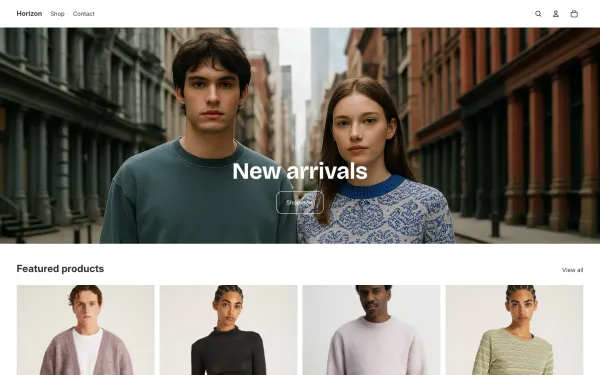
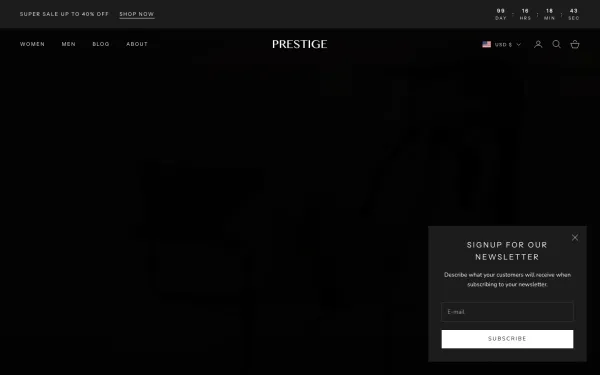
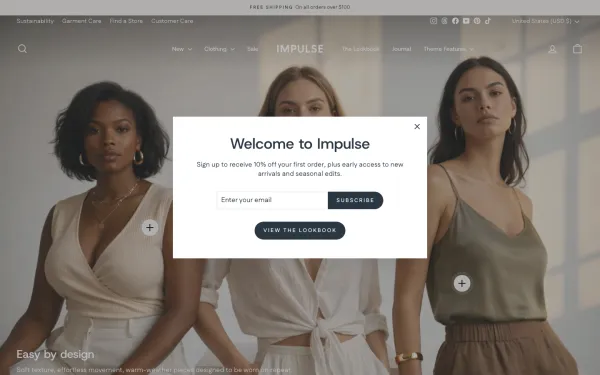
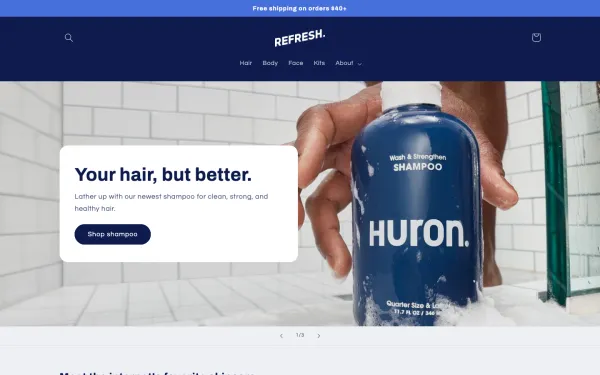
Yes. Navi+ uses native Shopify App Embeds and works seamlessly with Horizon (Shopify's latest flagship theme), Dawn, Prestige, Impulse, and over 331 Shopify themes without editing any Liquid code or theme files.
No. Navi+ is engineered for speed with a CDN-hosted, lightweight runtime (<25KB) that loads asynchronously after core page elements, ensuring zero negative impact on your Core Web Vitals and Google PageSpeed scores.
Absolutely. You can add collection badges, thumbnail images, promo banners, and dedicated product cards directly inside your multi-column dropdown to highlight sales and new arrivals.
Navi+ manages desktop and mobile separately. On desktop, visitors get a rich hover/click mega menu. On mobile, it automatically switches to a thumb-friendly slide-out drawer or bottom tab bar.
Yes, 100% no-code. The drag-and-drop visual builder allows you to organize columns, customize colors, set badges, and publish in under 5 minutes.
Free to install. Live in under 5 minutes. No theme edits required.