Your hamburger menu is probably
just a list of links.
It can do more than that.
Most store hamburger menus are plain text — no images, no icons, no visual structure. Navi+ Slide Menu replaces it with a panel you can actually customize: position, animation, images on items, and as many menus as your site needs.

Plain text, no images or icons
A list of text links is the bare minimum. Without images or icons, every category looks the same — harder to scan, easier to skip.
No control over layout or animation
Most slide menus come in one style: panel from the left, white background, no animation choices. There's no way to adjust how it looks or how it enters the screen.
One menu, used everywhere
Different pages sometimes need different navigation. With a single fixed menu, there's no way to show different content in different contexts.
Navi+ Slide Menu lets you configure the panel to fit your store — choose the position, animation, and add images or icons to items.
Left, center, or right alignment
Place the menu panel on the left, center, or right of the screen — whichever fits your layout.
Multiple animation styles and directions
Choose how the panel enters and exits: slide, fade, scale, and other options. Control the direction of movement.
Images, icons, and badges on items
Add an image or icon to any menu item. Use badges to highlight categories like Sale or New Arrivals.
Unlimited menus on one site
Create as many Slide Menus as you need — different menus for different pages or campaigns, each configured independently.
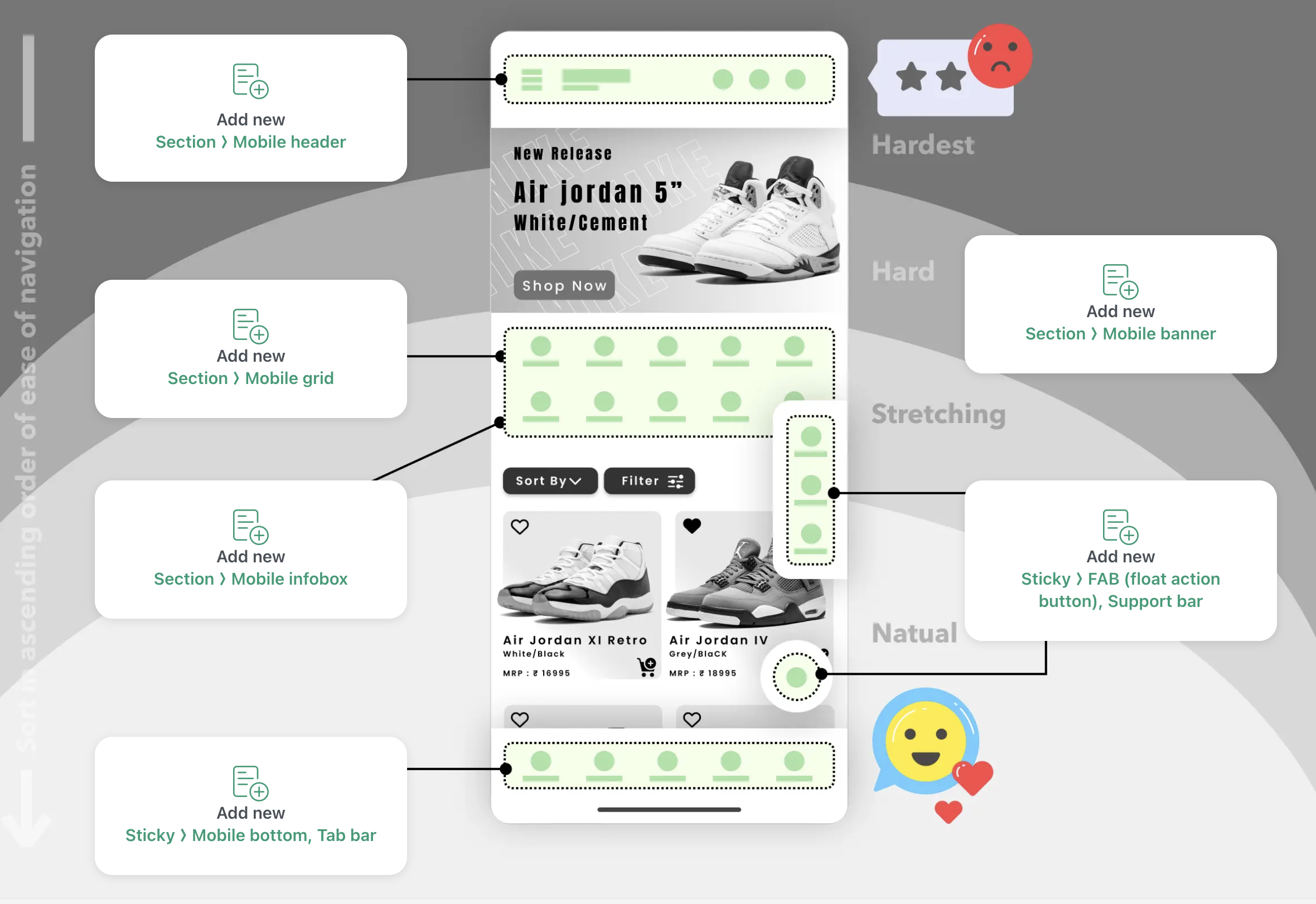
Install & import your menu
Connect your existing navigation. Menu items are imported automatically — no rebuilding from scratch.
Configure the panel
Set the position, choose an animation style, and add images or icons to items.
Publish
Navi+ replaces the hamburger button with your new Slide Menu. No theme edits required.
Left, center, or right alignment
Position the panel on either side or centered — your choice.
Animation styles and directions
Multiple entry animations and movement directions to choose from.
Images, icons & badges
Add images or icons to any item. Use badges to call out Sale, New, or anything worth highlighting.
Unlimited menus per site
Create as many Slide Menus as your site needs. Each one is configured and managed independently.
AI menu migration
Already have a menu? Let AI convert your existing structure into a Navi+ Slide Menu — no manual rebuilding.
Zero conflicts
Pure HTML5/CSS3. Works with any theme without code changes.
When menu items have images and icons, and the panel matches your store's look, visitors can orient themselves more quickly — and are more likely to tap into the right category on the first try.
Mobile Menu
Replace your basic theme drawer with a multi-level Shopify mobile menu. Nested sub-categories, instant sear...
Tab Bar
Add an app-like Shopify bottom navigation bar with Home, Search, Cart and Menu tabs. Mobile-first design, z...
Mega Menu
Build a Shopify mega menu with columns, category images, and promo banners. 100% no-code, zero theme edits....
Free to install. Live in under 5 minutes. No theme edits required.