

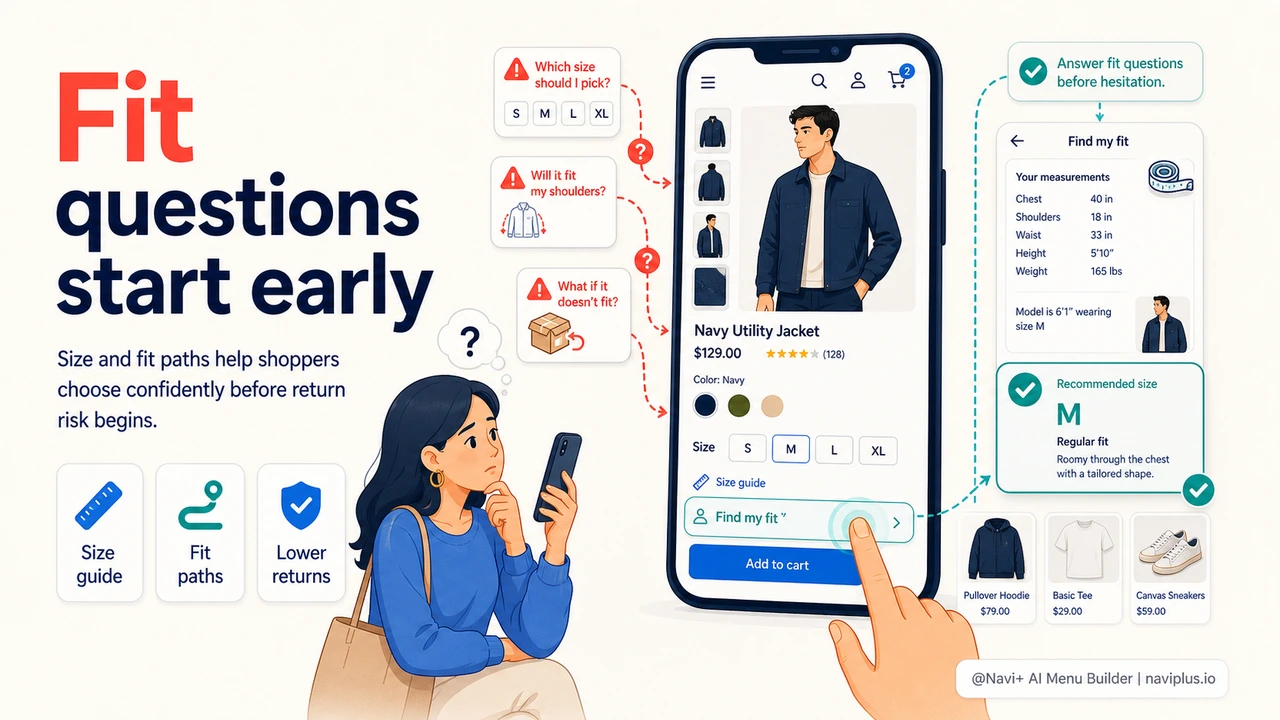
Fit Questions Start Before the Product Page
Size and fit are usually treated as product-page problems: size charts, model measurements, fit notes, return policies. Those elements matter, but shoppers often start worrying about fit much earlier. They scan categories and ask: does this store carry my size? Is there a wide fit? Is this cut relaxed or slim? Will I have to open ten product pages to find out?
Navigation can answer those questions earlier. For apparel, footwear, jewelry, furniture, and any fit-sensitive category, menu structure can route shoppers toward products that match their confidence needs before they begin detailed comparison.
Navigation Paths That Reduce Fit Anxiety
A strong fit-aware navigation system gives shoppers more than generic categories. It adds routes based on how people actually decide.
| Fit Concern | Navigation Path | Conversion Benefit |
|---|---|---|
| Size availability | Petite, Tall, Plus, Wide, Half Sizes | Shoppers know they belong before browsing |
| Use case | Work Fit, Travel Fit, Running Fit | Products are framed by buyer intent |
| Uncertainty | Fit Guide, Size Quiz, Best Fit Picks | Hesitation moves into guided selection |
| Return risk | True-to-Size Favorites, Adjustable Styles | Lower-risk products become easier to find |
"Our size guide was technically available, but shoppers were not finding it until they were already frustrated. Putting Fit Guide and Wide Fit directly into the menu changed the conversation. Customers who needed reassurance saw it immediately."
— A Navi+ customer, footwear store
Use Mega Menu Space for Confidence Cues
A Mega Menu can do more than list product categories. It can include fit support exactly where the shopper is deciding what to browse. A footwear menu might include columns for Women, Men, Wide Fit, Best for Walking, and Size Guide. An apparel menu might feature Petite, Tall, Curve, Relaxed Fit, and New Arrivals in one structured panel.
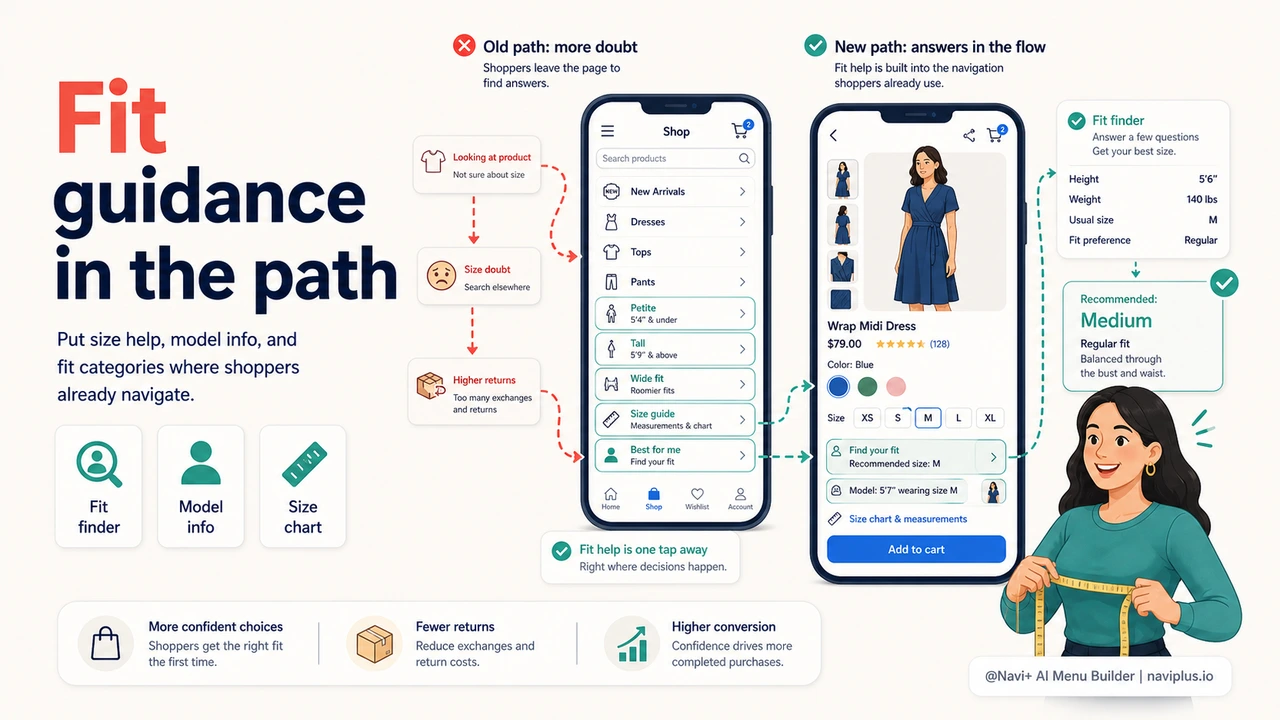
Mobile Fit Shortcuts Matter
On mobile, fit confidence is even more fragile. Shoppers do not want to pinch, zoom, and hunt for size guidance. A Tab Bar or Slide Menu can keep Fit Guide, Size Quiz, or Best Fit Picks close to the surface during browsing. The goal is not to make the menu crowded. The goal is to make the reassurance path visible when it affects purchase confidence.
How Navi+ Helps
Navi+ lets stores add fit-based routes without rebuilding the theme. Use a Mega Menu for structured fit collections, a Tab Bar for high-demand fit shortcuts, and a FAB for a size quiz or support action during high-consideration sessions. The result is a store that helps shoppers choose correctly before return risk begins.
Pruébalo gratis — sin código, sin desarrollador
Instálalo en minutos en Shopify, WordPress o cualquier sitio web.