

The Problem
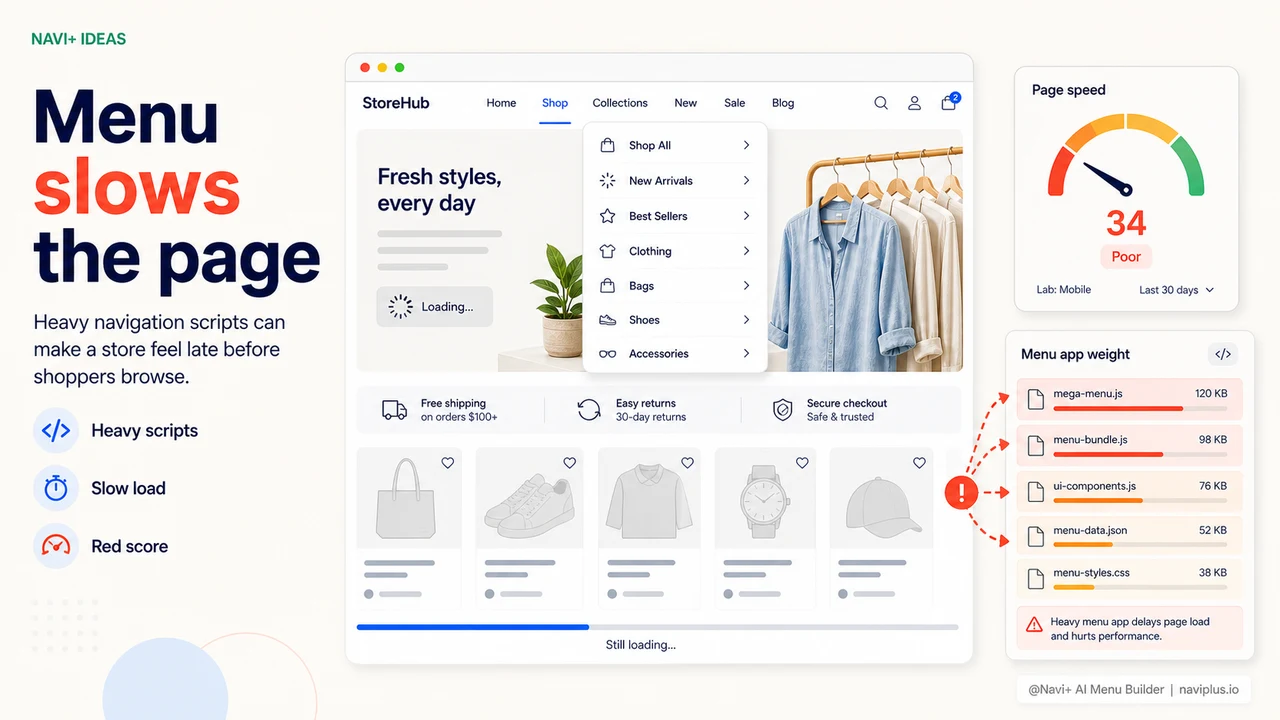
You spend weeks compressing product images, minifying CSS, enabling lazy loading, choosing a lightweight theme. PageSpeed climbs to 85–90. Then you install a new menu app — and the score drops to 55.
This is a very common scenario. Many menu apps on the market are built on heavy JavaScript frameworks, load their own fonts, inject scripts that run on page load, and don't support proper lazy loading. A poorly optimized menu app can add 1–2 seconds to page load time — which is enough for Google to demote your rankings and for customers to abandon the page before it finishes loading.
"I tried a popular mega menu app — my mobile PageSpeed went from 82 to 48 overnight. Removed it and the score went back up. Added it and it dropped again. Had to find something lighter."
— A Navi+ customer
A heavy menu app undoes every optimization you've made
Page speed affects not just user experience — it directly impacts revenue and search rankings. Google uses Core Web Vitals (LCP, FID/INP, CLS) as a ranking factor. And customers don't wait — research consistently shows that each additional second of load time reduces conversion rate by around 7%.
Menu apps typically cause the following speed problems:
- Render-blocking JavaScript — the app's script runs before the page renders any content, increasing LCP (Largest Contentful Paint)
- Unused CSS, not tree-shaken — the app loads its entire stylesheet including parts you'll never use
- Custom fonts without preloading — causes layout shift (CLS) during font swap
- No lazy loading — the menu is loaded at page load even though the customer hasn't opened it yet
- Unnecessary HTTP requests — every extra request adds latency, especially on slow mobile connections
You did everything right — the menu app just wasn't built correctly.
How Navi+ stays lightweight
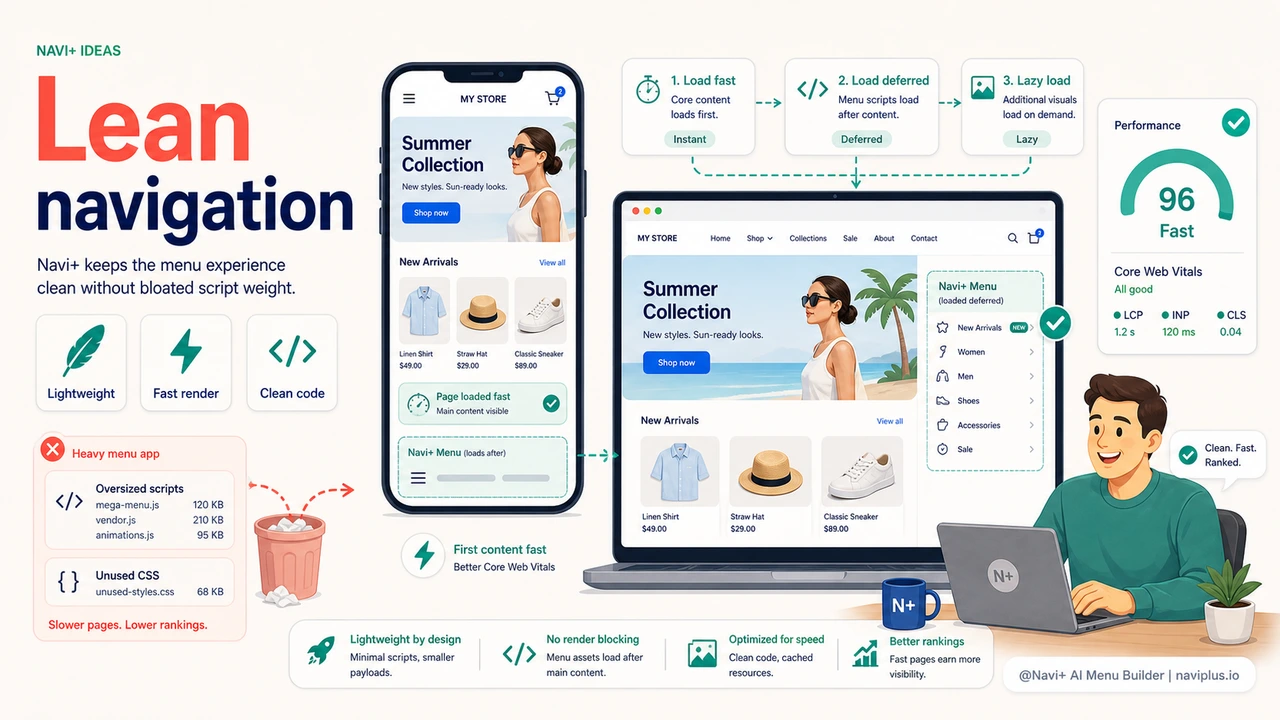
Navi+ was built from the ground up with speed as the primary constraint — not bolted on afterward. All JavaScript is loaded deferred and lazy, CSS is optimized to only load what's needed, and the menu panel is only rendered when the customer actually interacts with it. The result: PageSpeed scores barely change after installation.
| Speed criterion | Typical menu app | Navi+ AI Menu Builder |
|---|---|---|
| JavaScript blocking on page load | Yes — increases LCP | ✓ deferred, doesn't block render |
| Lazy load menu panel | ✗ loads everything immediately | ✓ only renders when needed |
| CSS tree-shaking | ✗ loads full stylesheet | ✓ only loads styles in use |
| Extra fonts added | Usually loads its own font | ✓ uses theme font, adds nothing |
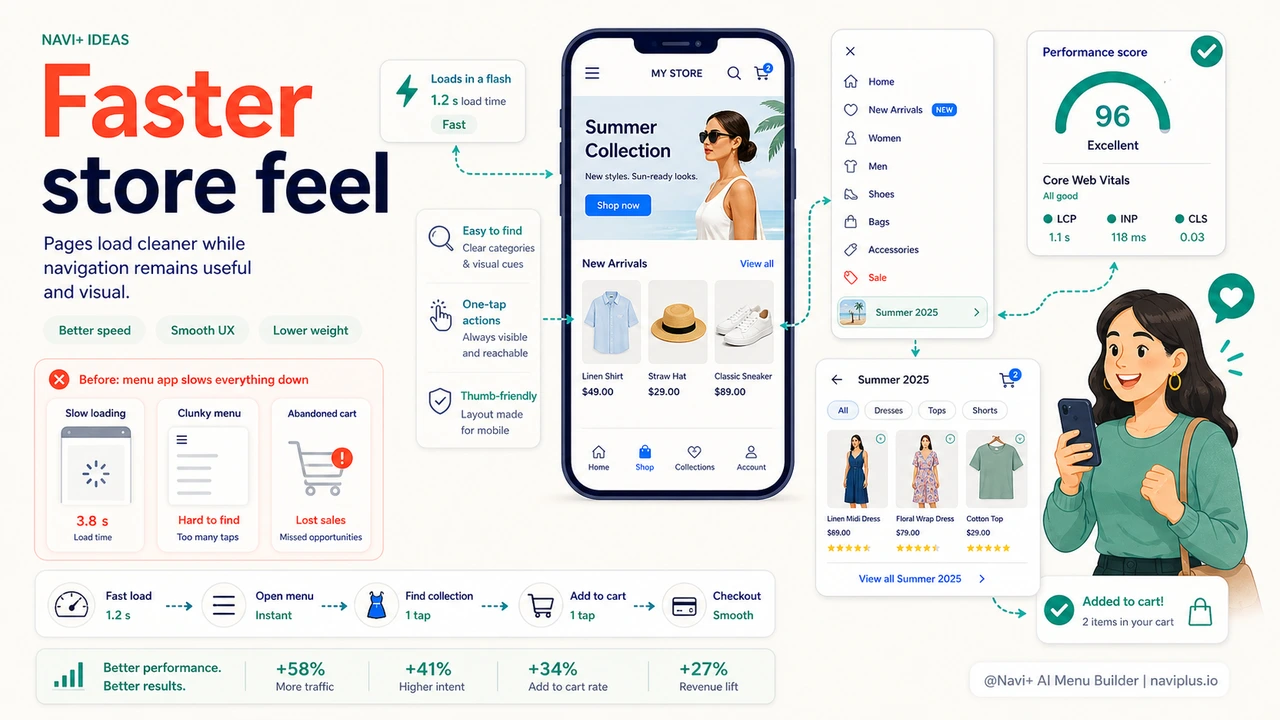
| Impact on mobile PageSpeed | Dropping 15–30 points is typical | ✓ minimal impact (<3 points) |
| Core Web Vitals after install | LCP increases, CLS may occur | ✓ no meaningful change |
How to test and switch
Before installing Navi+, run PageSpeed Insights (pagespeed.web.dev) to get your store's baseline score. After installing and configuring Navi+, run it again and compare. Most merchants see no significant difference — that's the goal.
If you're currently using a different menu app and suspect it's slowing your store down, try temporarily disabling it and running PageSpeed to confirm. If the score rises significantly after removal — you've found the cause. Install Navi+ as a replacement and run the test again to compare.
The full migration from an old menu app to Navi+ — importing your menu structure, customizing the look, verifying on both desktop and mobile — typically takes 15–30 minutes.
Try it free — no code, no developer needed
Install in minutes on Shopify, WordPress, or any website.