Maîtrisez Shopify Canvas et Sidekick IA. Guide pratique, recettes de prompts et stratégies de rollback.
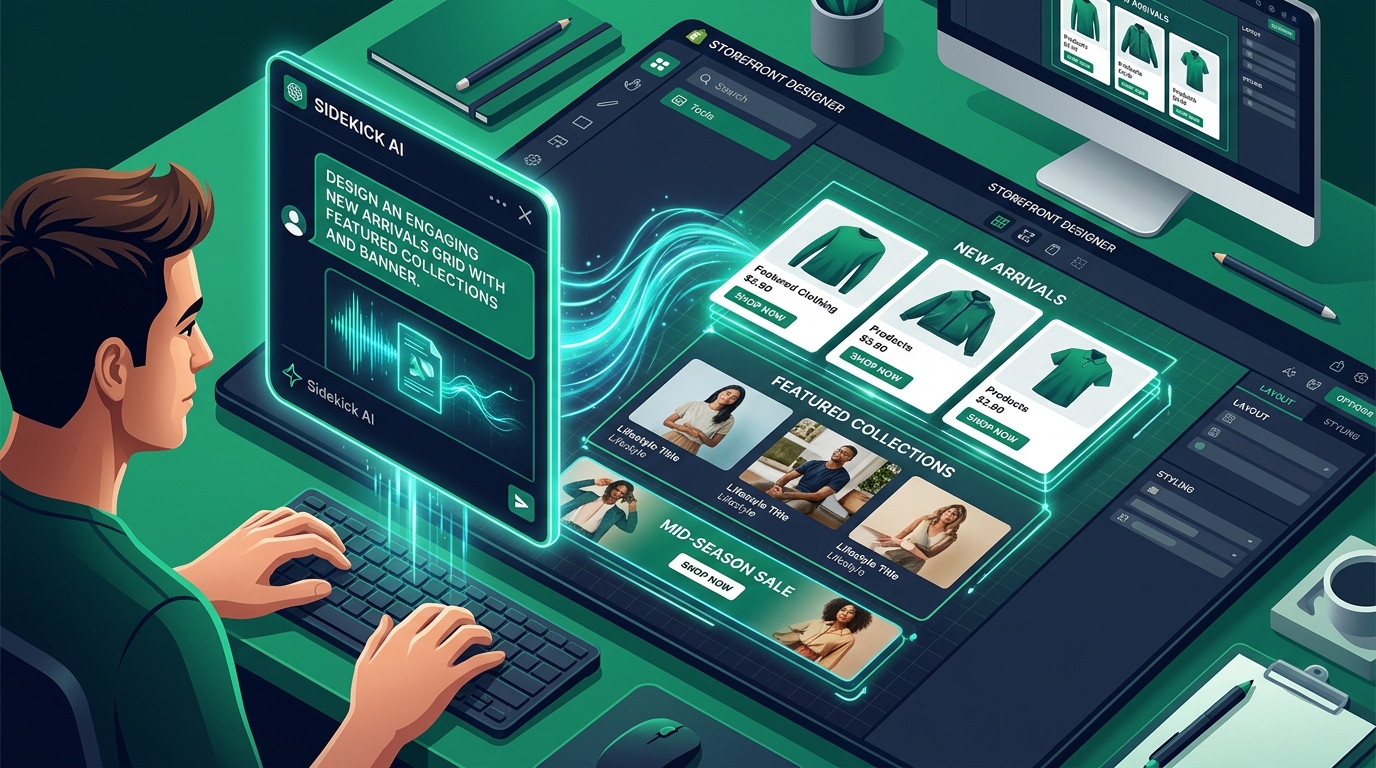
- Spatial Canvas: Zero-code drag and drop UI with real-time Liquid code generation via Sidekick AI.
- Critical Limitations: Limited third-party theme support, theme update stream forking, and isolated app blocks.
- Navigation Architecture: Mobile shoppers require persistent thumb-zone navigation (Navi+ Tab Bar) independent of theme code.
Partie du Hub ThématiqueExplorez le Hub Shopify Canvas avec les 10 analyses techniques approfondies →
1. Ce que promet Shopify
Shopify positions Canvas as an infinite, spatial design canvas. Instead of rigid columns, merchants can visually position sections and ask Sidekick AI to produce the required Liquid, HTML, and CSS in real time.
2. Test pratique et réalités techniques
Our direct tests reveal that while desktop design exploration is exceptionally fast, the underlying code generated is bespoke. Over multiple prompt iterations, themes diverge into distinct, non-standard codebases (“snowflake themes”).
3. Réactions de la communauté et de l’écosystème
Developers on Shopify Community forums have raised significant concerns about the inability to download themes to local development environments, lack of Theme App Extension support, and the risk of overwriting custom code when updating themes.
4. Le verdict architectural de Navi+
Cela remplace-t-il Navi+ ? Que vous apporte Navi+ en plus ?
“Canvas makes customization cheap. Navi+ should make intelligence maintainable.”
Shopify Canvas focuses on in-page content sections, but does not provide persistent storewide navigation. Over 75% of ecommerce purchases happen on smartphones where thumb ergonomics are paramount.
- Thumb-Zone Tab Bar: Navi+ keeps search, cart, and key categories anchored within thumb reach on mobile devices.
- Decoupled Architecture: Navi+ runs on Cloudflare Edge CDN (<16ms), completely decoupled from Liquid theme modifications. When Navi+ updates its engine, all stores automatically receive enhancements without rewriting theme files.
- Enterprise Multi-Market: Deep navigation catalogs, multi-currency display, and seamless integration with Shopify Markets.
5. Feuille de route concrète pour marchands
- Never edit directly on live themes: Always clone your theme and test Canvas in an isolated development duplicate.
- Preserve persistent navigation: Keep your navigation and conversion layers decoupled from theme-injected Liquid code.
- Audit page speed: Monitor Core Web Vitals and Lighthouse metrics regularly.