

The Problem
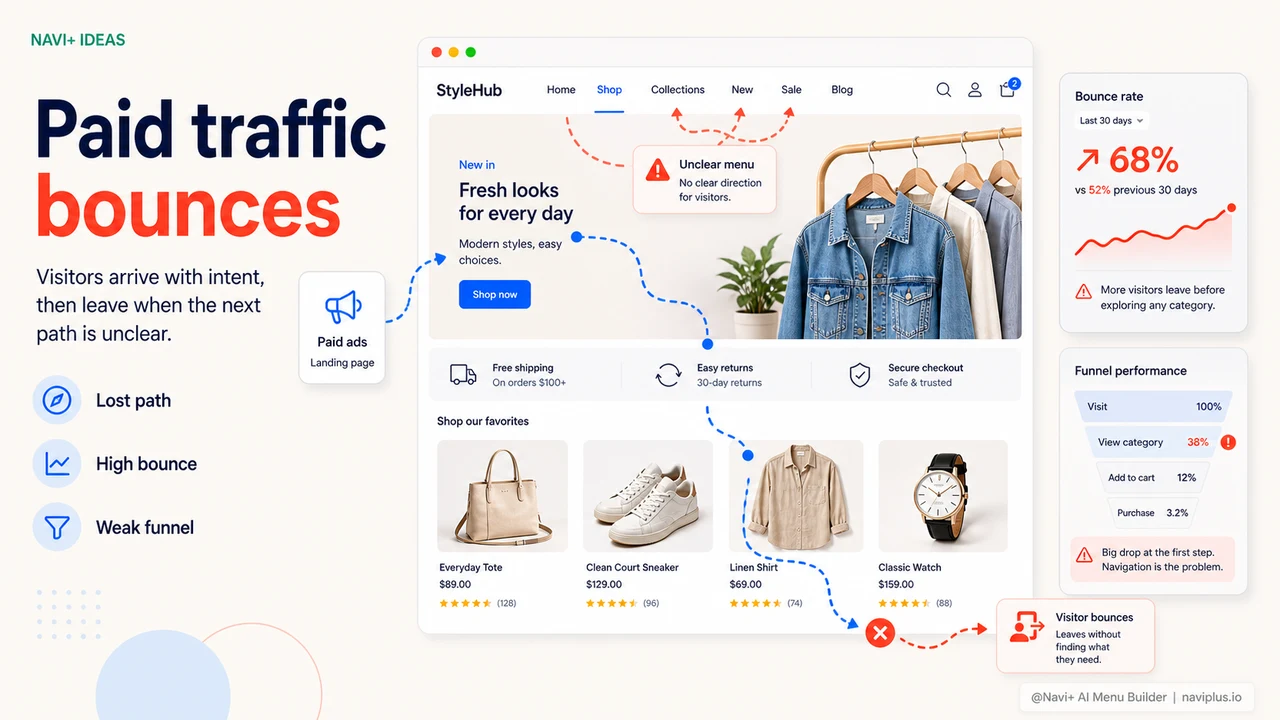
You're running Google Ads or Meta Ads. Traffic is coming in steadily. But when you open Analytics, conversion rate is stubbornly low — 0.8%, 1.2% — even though your products are good and your prices are competitive. Bounce rate is around 60–70%. Sessions are short, pages per session barely above 1.
The first question most merchants ask: "Is something wrong with the products? Are prices too high?" But very often, the answer is somewhere else entirely: customers can't find where to go next.
A good landing page brings customers in. But if the navigation is poor — confusing menus, unclear categories, hard to find related products — customers have no reason to stay. They leave. And you just paid for a click that went nowhere.
"My cost per conversion was double the industry average. After hiring an agency to analyze the store, the finding was simple: customers arrived on the landing page fine, but when they wanted to browse other products, the menu was too confusing — so they left."
— A Navi+ customer
How poor navigation breaks your funnel
An online sales funnel isn't just landing page → checkout. Customers usually need to browse multiple products before deciding. Navigation is the path they follow through that funnel. When the path is blocked, the funnel leaks.
- Customer clicks on a product from an ad — not ready to buy yet, wants to see more options → opens menu → can't find a related category → leaves
- Customer visits the homepage → doesn't know where to start because the menu is too flat → bounces
- Mobile customer → small menu, hard to tap, messy sub-menus → frustration → leaves
- Every bounce → Google records a negative signal → Quality Score drops → click costs rise → a worsening spiral
In short: poor navigation doesn't just reduce direct conversions — it raises your ad costs over time.
What good navigation actually changes
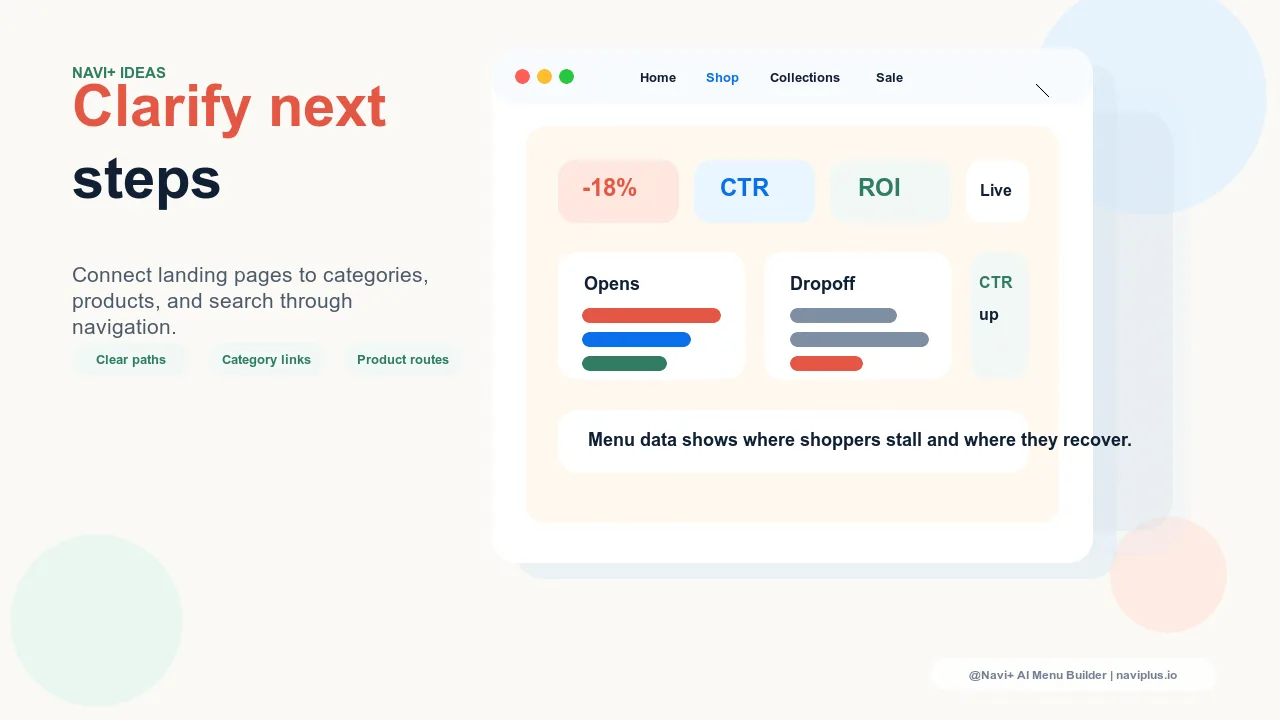
When customers can navigate easily — find categories, view related products, move around without getting lost — the metrics shift noticeably:
- Pages per session increases — customers view more products, more chances to buy
- Session duration increases — longer time on site, purchase intent is nurtured
- Bounce rate drops — a positive signal for both Google Ads and organic SEO
- Add-to-cart rate improves — because customers actually find what they want
Navi+ builds navigation that's clear and easy to use — reducing friction at every point where customers might otherwise give up.
| Factor affecting conversions | Default navigation | Navi+ AI Menu Builder |
|---|---|---|
| Find a category quickly on mobile | Difficult, many steps | ✓ 1–2 taps |
| Mega menu for desktop | ✗ or very basic | ✓ Full categories with images |
| Clear breadcrumb in sub-menus | ✗ | ✓ Customers always know where they are |
| Fixed Tab Bar on mobile | ✗ | ✓ Navigation always within reach |
| Search integrated in menu | ✗ | ✓ |
| Customize per campaign | Requires code changes | ✓ Dashboard, no code needed |
Quick implementation
Install Navi+ → Import your existing menu structure → Reorganize categories around how customers actually shop (not how your warehouse is organized). Enable Slide Menu for mobile, Mega Menu for desktop. Add a Tab Bar so mobile customers can navigate without scrolling.
After setup, watch pages per session and bounce rate in Analytics. Most stores see metrics improve within the first week.
Try it free — no code, no developer needed
Install in minutes on Shopify, WordPress, or any website.