

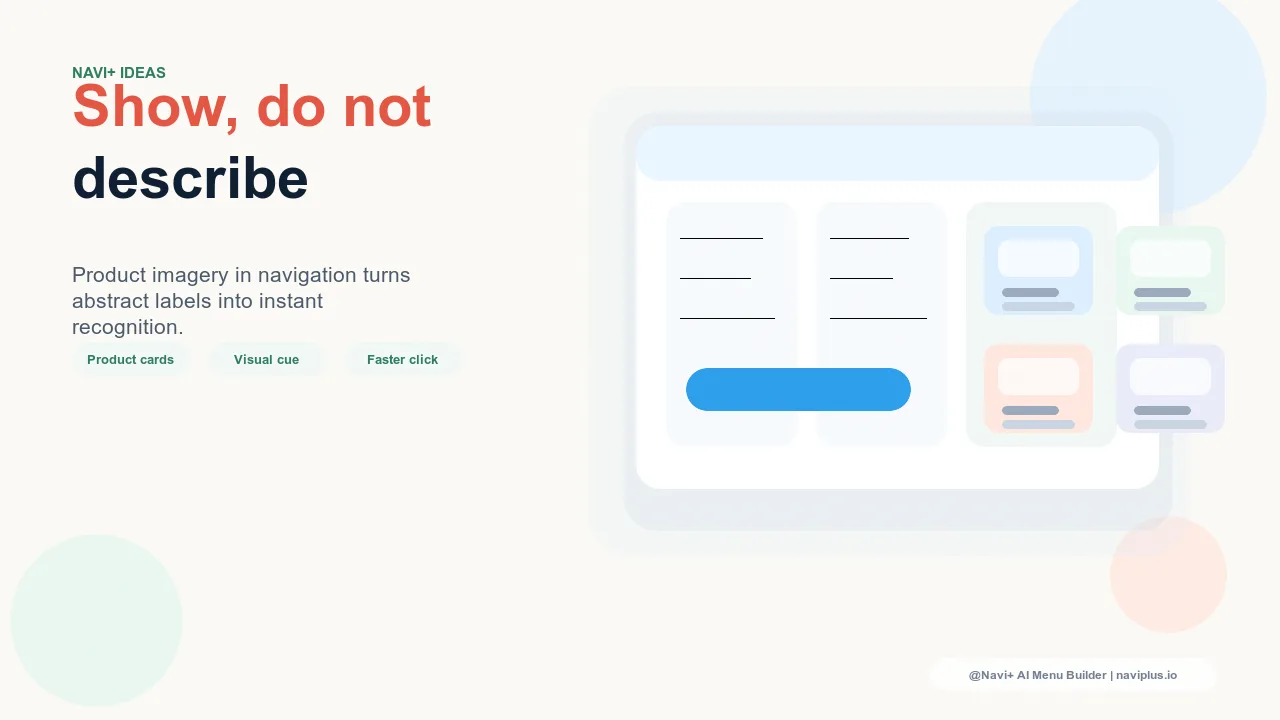
The Limitation of Text-Only Category Navigation
Every navigation menu in e-commerce answers the same question for visitors: "What does this store sell, and where do I find it?" Text-only category navigation answers this question adequately. It lists what's available, provides labels for each section, and lets visitors click to explore. For stores where the product category names are self-explanatory and where visitors arrive with a specific product type in mind, text navigation works fine.
But for a significant category of stores — fashion, home goods, beauty, lifestyle, food and beverage, any product where visual appeal is a primary purchase driver — text-only category navigation misses a major opportunity. The visitor who opens a navigation menu and reads "Tops, Bottoms, Accessories" has been told what categories exist. The visitor who opens a navigation menu and sees a curated product image alongside "Tops" has been shown what this store's tops look like. These are fundamentally different shopping experiences, and they produce different outcomes.
Visual merchandising is one of the oldest disciplines in retail design — the art of presenting products in a way that triggers desire and purchase intent. Department stores invest heavily in window displays and floor layout precisely because showing a beautifully presented product creates purchase desire in a way that a sign reading "Sweaters available here" does not. Digital navigation with product imagery brings the same visual merchandising principle to the first interaction layer of the online store.
"We were skeptical about putting images in the Mega Menu — it seemed like it might slow down the experience or feel cluttered. We tested it for a season with curated lifestyle imagery for our main categories. Navigation click-through rate went up significantly, and more importantly, the session depth increased — visitors were exploring more categories per session than before. The images were doing pre-selling work at the navigation layer that the category labels had never done."
— A Navi+ customer, contemporary home goods brand
Where Product Images Work in Navigation
Product imagery in navigation is not universally appropriate — it works best in specific navigation contexts and for specific product types. Understanding where it adds value guides the decision about whether to invest in it:
Mega Menu category panels. The Mega Menu is the natural home for navigation imagery. When a visitor opens a top-level category (Women's, Living Room, Skincare), the Mega Menu panel has enough visual space to show a curated product image or lifestyle photo alongside the subcategory links. The image does not replace the navigation structure — it accompanies it, providing visual context while the text provides navigational structure. The combination is more informative than either alone.
Featured product spotlights. Beyond category imagery, Mega Menu panels can feature specific products — a hero item from the category, a new arrival, or a bestseller — with a small product image, name, and price. This transforms part of the navigation panel into a mini-product showcase. Visitors who weren't planning to browse a specific category may be captured by a product image that appeals to them aesthetically before they've consciously decided to explore that section.
Seasonal and promotional banners. Dedicated image slots in the Mega Menu can serve seasonal promotional purposes — a curated image with a "New Collection" or "Sale" overlay that changes as inventory and promotions change. These image slots serve a different function than category imagery: they communicate seasonality, timeliness, and promotional relevance, giving navigation a freshness that static text menus never have.
Choosing Images That Convert
The strategic question for navigation imagery is not just whether to use images but which images to use. Not all product imagery converts equally in a navigation context:
Lifestyle images outperform product-on-white. In the navigation context, the visitor is in a browsing and discovery mode rather than an evaluation mode. Lifestyle images — products in use, in context, in an aspirational setting — create desire and communicate the product's role in the visitor's life. Product-on-white images communicate specifications. Desire-oriented imagery is more appropriate for the navigation entry point; specification imagery belongs on the product page.
Category-representative vs. specific product. For large categories, a single product image can be misleading — if the category includes a broad range, showing one product may suggest the category is narrower than it is. Category lifestyle imagery that represents the aesthetic and style of the category without being a specific product tends to perform better as a navigation entry point for broad categories.
Current vs. evergreen. Navigation images should be updated when the featured products in those images are no longer available or featured. Outdated imagery that no longer reflects the current collection is worse than no imagery — it creates a mismatch between the navigation promise and the category experience, which damages trust.
| Navigation Imagery Type | Visual Appeal | Best Use Case |
|---|---|---|
| No imagery — text-only | Functional | Commodity products, utilitarian shopping contexts |
| Category lifestyle image | High — creates desire for the category | Fashion, beauty, home — visual product categories |
| Featured product spotlight | High — converts browsing to specific interest | New arrivals, bestsellers, seasonal hero products |
| Promotional banner image | High — communicates timeliness and value | Sales, limited collections, seasonal campaigns |
Implementation with Navi+ Mega Menu
Navi+'s Mega Menu supports image columns alongside text link columns — the panel layout can be configured with dedicated image slots that pull from uploaded assets or product collection images. This lets store operators implement the full visual merchandising model in navigation without custom development: select the image, position it in the panel, link it to a destination, and publish. Updates to seasonal imagery are the same operation — replace the image, no code changes.
For stores in visual product categories, navigation imagery is one of the highest-leverage design investments available. It moves the first impression of each product category from the category page — which visitors reach only after committing to explore — to the navigation layer, which visitors reach on every page, during every session. Bringing the product's visual appeal to the navigation is bringing visual merchandising to the widest audience point in the entire store experience.
Try it free — no code, no developer needed
Install in minutes on Shopify, WordPress, or any website.