Your homepage shows products
but never shows
what categories exist.
Most stores feature individual products on the homepage, but hide the full picture of what they sell. An icon menu below the hero — one photo, one label, one tap per section — gives shoppers an instant visual overview before they scroll into products.
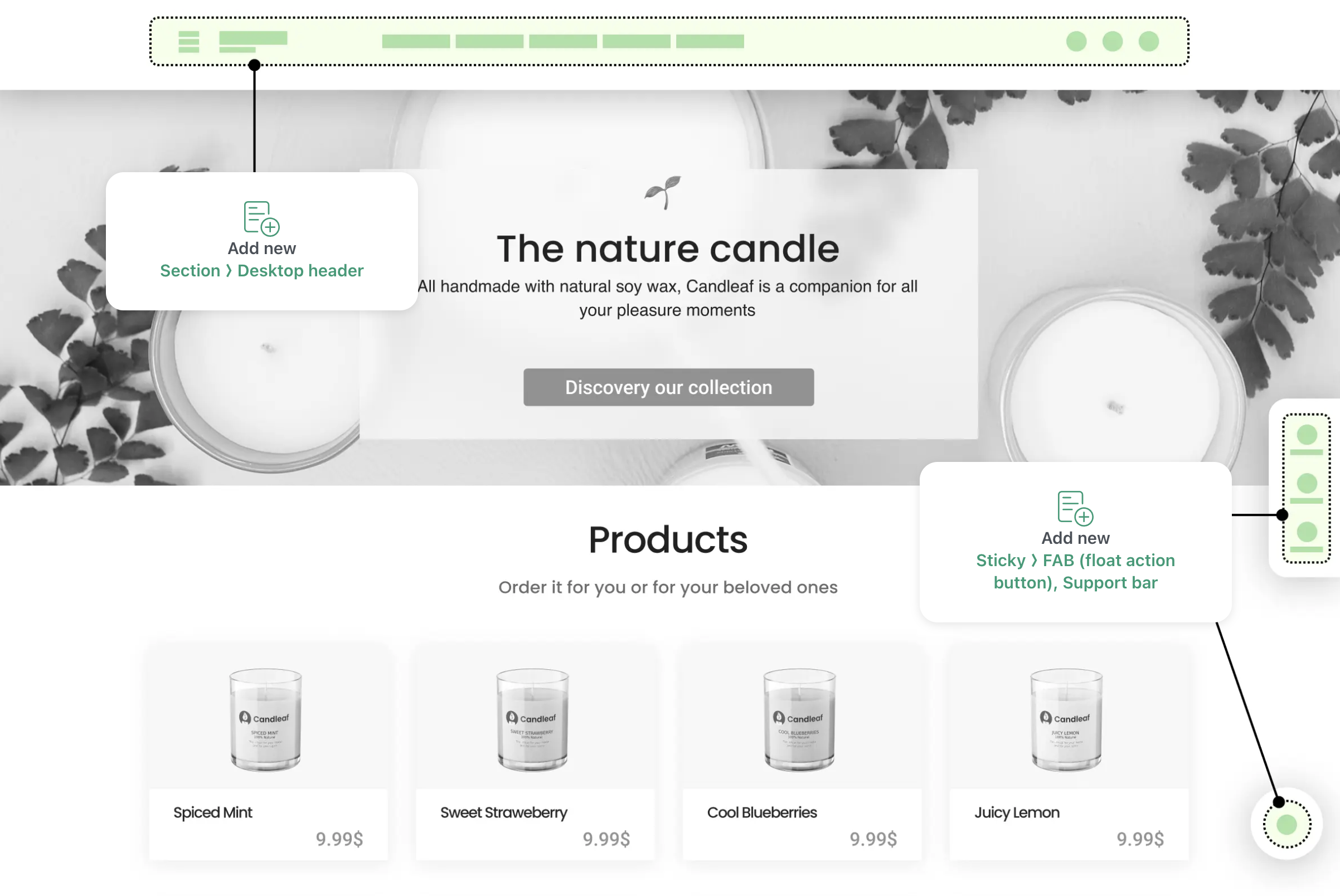
When a homepage leads with products instead of categories, shoppers miss the breadth of what you offer.
Visual catalog discovery requires digging
Shoppers see individual items on the homepage, but must click into the menu or collections page to learn what whole categories you carry. They never get the full picture.
Text links don't convey product style
A text link "Dresses" tells visitors nothing about whether you sell minimalist, bohemian, formal, or casual wear. A photo does in one glance.
Seasonal themes require theme code changes
Swapping category imagery for a sale or season means editing your Shopify theme — or the homepage sits unchanged while promotions pass by.
Always visible, easily updated.
Navi+ Icon Menu adds a section below your hero that shows your full category range as image tiles — giving shoppers both breadth and visual appeal in a single glance.
Show your full catalog at a glance
Place category tiles on the homepage and let shoppers see the breadth of what you sell — dresses, shoes, accessories — all in one scrolling section.
One photo per category teaches faster than text
A tile image communicates style, mood, and product type instantly. Shoppers know what they're clicking into before their thumb lands.
Update tiles for seasons, sales, and campaigns
Swap the images and links without touching your theme code. Launch a seasonal collection or sale by uploading new tiles — takes minutes, no developer needed.
Works equally well on desktop and mobile
Grid adapts from 4 columns on desktop to 2 rows on mobile. The mobile experience is not cramped — it is curated.
Place it anywhere on the page
Below the hero, at the top of a collection page, inside a landing page, or in the middle of content. One component, many placements.
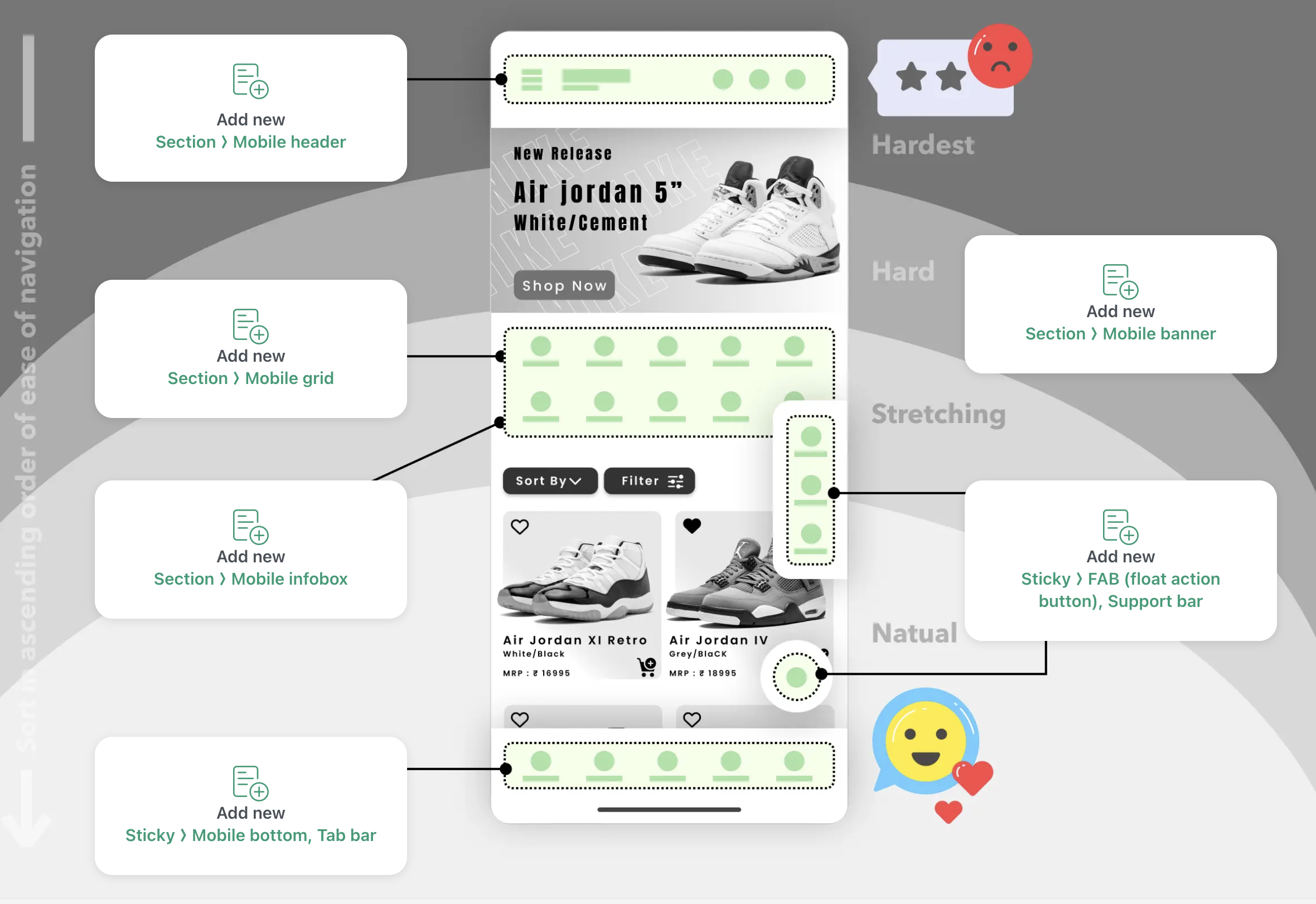
Exploring Shopify Canvas? Why Mobile Navigation Still Needs Navi+
Shopify Canvas introduces spatial design for desktop pages, but over 75% of sales happen on mobile. Read our technical breakdown on why AI-generated layouts need a persistent thumb-zone navigation engine.
Install Navi+
Add from the Shopify App Store. No theme code, no developer needed. The app handles the rest.
Create an icon menu
Upload one image per category, label each tile, and set the destination link. Arrange the order and choose your grid layout.
Publish to your homepage or any page
Embed the grid as a page section using Navi+ or place it in a custom landing page. Goes live instantly across all devices.
Image tiles with labels
One photo, one category name, one link per tile. Clean, simple, scannable.
2–4 column responsive grid
Set how many tiles sit in a row, so the grid stays balanced on both desktop and mobile.
Label overlays & custom text
Add text overlays on top of images: "Sale", "New Season", "Limited Time", or any label that fits your campaign.
Global CDN delivery
Tiles are cached and served from edge servers worldwide. Load time stays under 300ms even with high-resolution images.
No code required to reorder or swap
Drag tiles to rearrange, upload new images, or swap links. All changes publish live instantly — no theme editing.
Theme-independent
Works on any Shopify theme, any design. Embeds as a clean HTML section with zero conflicts or overrides.
Most online stores focus visitors on browsing individual products. But visibility of your catalog — knowing you carry fashion, home, and gifts — often encourages deeper exploration. An icon menu on the homepage or collection page does what text links alone cannot: it shows your range at a glance and invites shoppers to click through sections they might have otherwise overlooked.
Grid Menu
Show product categories as a visual image grid. Help shoppers discover products faster with visual navigation.
Mega Menu
Build a Shopify mega menu with columns, category images, and promo banners. 100% no-code, zero theme edits....
Mobile Menu
Replace your basic theme drawer with a multi-level Shopify mobile menu. Nested sub-categories, instant sear...
Free to install. Live in under 5 minutes. No theme edits required.