

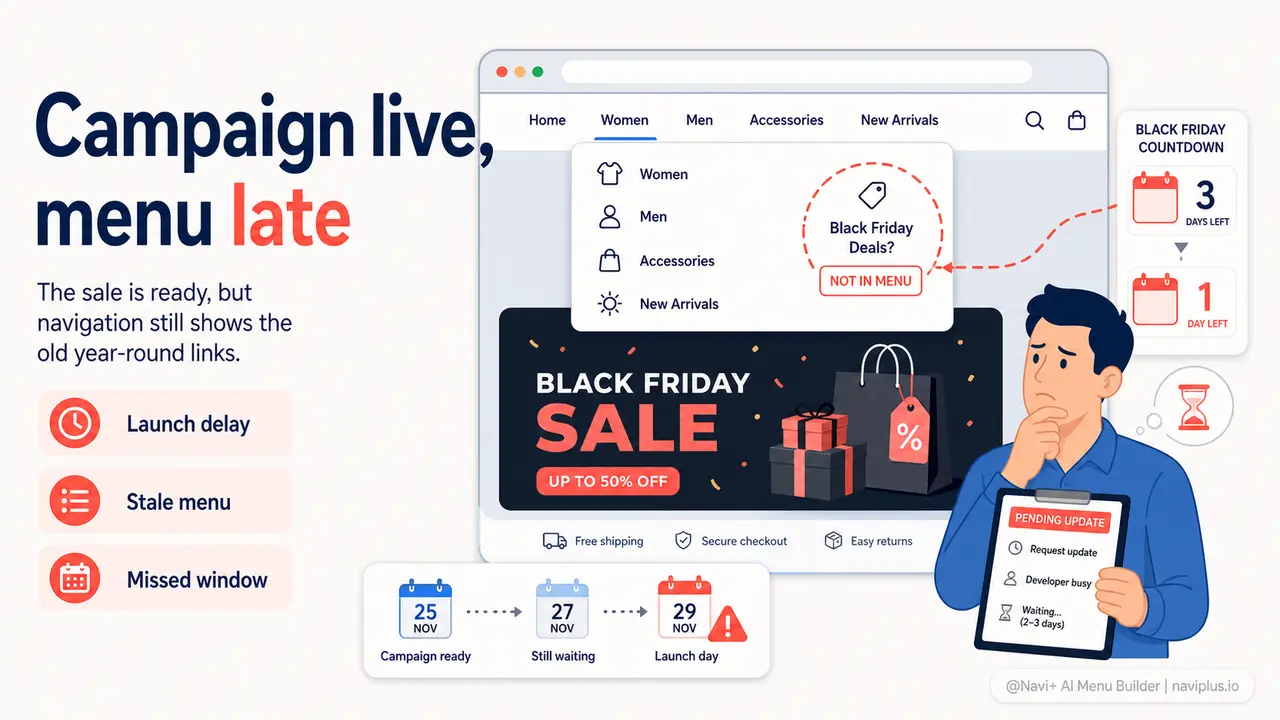
The Problem
Black Friday is in three days. You have the sale collection ready, the email written, the discount codes set up. But your store's navigation still shows your standard year-round categories — Women, Men, Accessories, Sale. There is no "Black Friday Deals" link. No "Up to 60% Off" highlight. No holiday-themed mega menu column pointing customers directly at the best offers. Adding any of that means opening the theme editor, digging into menu settings, testing on mobile, testing on desktop, hoping nothing breaks — and then doing it all in reverse when the campaign ends.
Most store owners skip it. They run the sale through banners, emails, and ads, and leave the navigation exactly as it was in September. Customers open the menu, see a wall of the same category links they always see, and have to figure out on their own that a sale is even happening. The ones who came from your email know. Everyone who landed from Google or browsed directly has no idea.
This is not a minor inconvenience. Seasonal campaigns typically run for 3 to 14 days. A store that takes 2 to 4 days to get the navigation right — or never updates it at all — is losing the entire early window, which is consistently where the highest-intent buyers convert. By the time the menu reflects the campaign, the campaign is effectively half over.
"We spent three weeks planning our holiday campaign — email sequences, discount tiers, product bundles. But on launch day our menu still said 'New Arrivals' at the top. By the time we got the navigation updated, Black Friday weekend was already done. We left a lot of money on the table."
— A Navi+ customer
Navigation timing matters more than most stores realize
Your menu is the one element every visitor interacts with during a browsing session. Unlike a homepage banner — which only works when someone is on the homepage — the menu is available on every page: product pages, collection pages, blog posts, search results. When a customer lands from an ad on a specific product and then opens the menu to explore more, they will see whatever you put there. If it does not reflect the current campaign, you have missed a moment that cost you money to create.
The consequences of a static navigation during a seasonal campaign are concrete:
- Discovery failure: customers who did not receive your email and landed on an inner page have no path to the sale collection unless they happen to notice the banner
- Lost upsell opportunities: a customer buying one item opens the menu to browse further — if the menu does not surface "Holiday Bundles" or "Gift Sets," that second purchase does not happen
- Wasted ad spend: you paid to bring customers to your store during the campaign window; a menu that does not convert those visitors into campaign browsers is burning that budget
- Competitive disadvantage: your competitors who update their navigation the moment a campaign goes live are capturing the same traffic more effectively
- Post-campaign cleanup debt: stores that do manage to update menus for a campaign often leave them up for weeks afterward — a "Black Friday Deals" link in January actively erodes trust
How Navi+ solves this
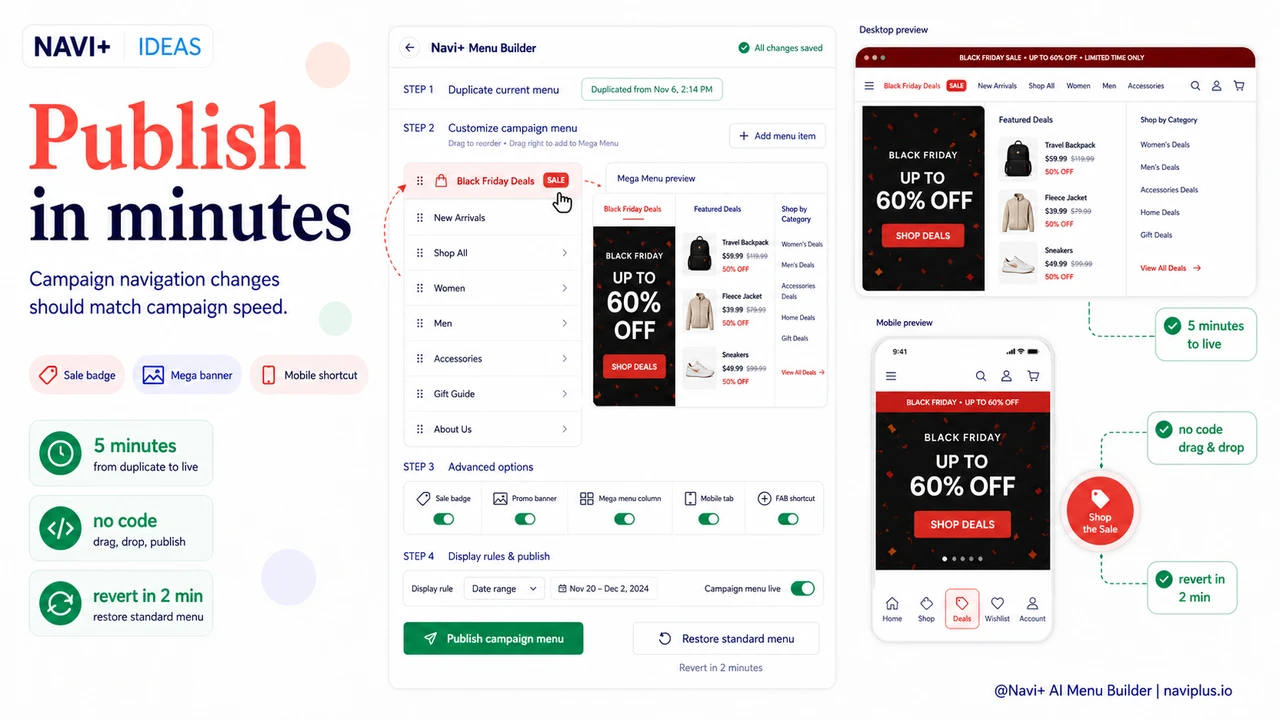
Navi+ is built for exactly this kind of rapid iteration. The drag-and-drop editor means you can restructure your entire navigation — change the order of top-level items, add a seasonal section, apply a campaign-specific badge, embed a promotional image inside a Mega Menu dropdown — in under five minutes, without touching code or waiting for a developer.
For Black Friday, open the Navi+ dashboard, add a new top-level item called "Black Friday Deals" and drag it to the first position. Apply a red highlight color and a "SALE" badge. Inside the Mega Menu dropdown, drop in a banner image with your campaign visual. On mobile, the Tab Bar puts a direct link to the sale collection one thumb-tap away — persistent, visible, always accessible. When the campaign ends on Sunday night, remove the item and restore your standard navigation in the same amount of time.
Navi+ supports every menu type you need for different campaign contexts. The Mega Menu handles multi-column layouts with images and featured collections for desktop. The Tab Bar gives mobile shoppers a persistent bottom navigation with a campaign shortcut. The Mobile Menu organizes deep category structures cleanly on mobile. The Floating Button (Floating Action Button) can surface a single "Shop the Sale" shortcut that floats above every page. You choose the combination that fits your campaign, your audience, and your device split.
| Feature | Default / Without Navi+ | With Navi+ |
|---|---|---|
| Update navigation for a seasonal campaign | ✗ Requires theme editor or developer | ✓ Drag-and-drop, done in 5 minutes |
| Campaign badges (SALE, NEW, BLACK FRIDAY) on menu items | ✗ Not supported natively | ✓ Custom label, color, position |
| Promotional image banner inside the dropdown menu | ✗ | ✓ Mega Menu with image + CTA |
| Mobile campaign shortcut (persistent Tab Bar) | ✗ No bottom navigation | ✓ Tab Bar with campaign link always visible |
| Revert navigation when campaign ends | ✗ Manual edits, easy to forget | ✓ Remove items in 2 minutes, no code |
| Different navigation structure per device (desktop vs mobile) | ✗ Same menu everywhere | ✓ Publish filters by device type |
Getting started: set up a campaign navigation in Navi+
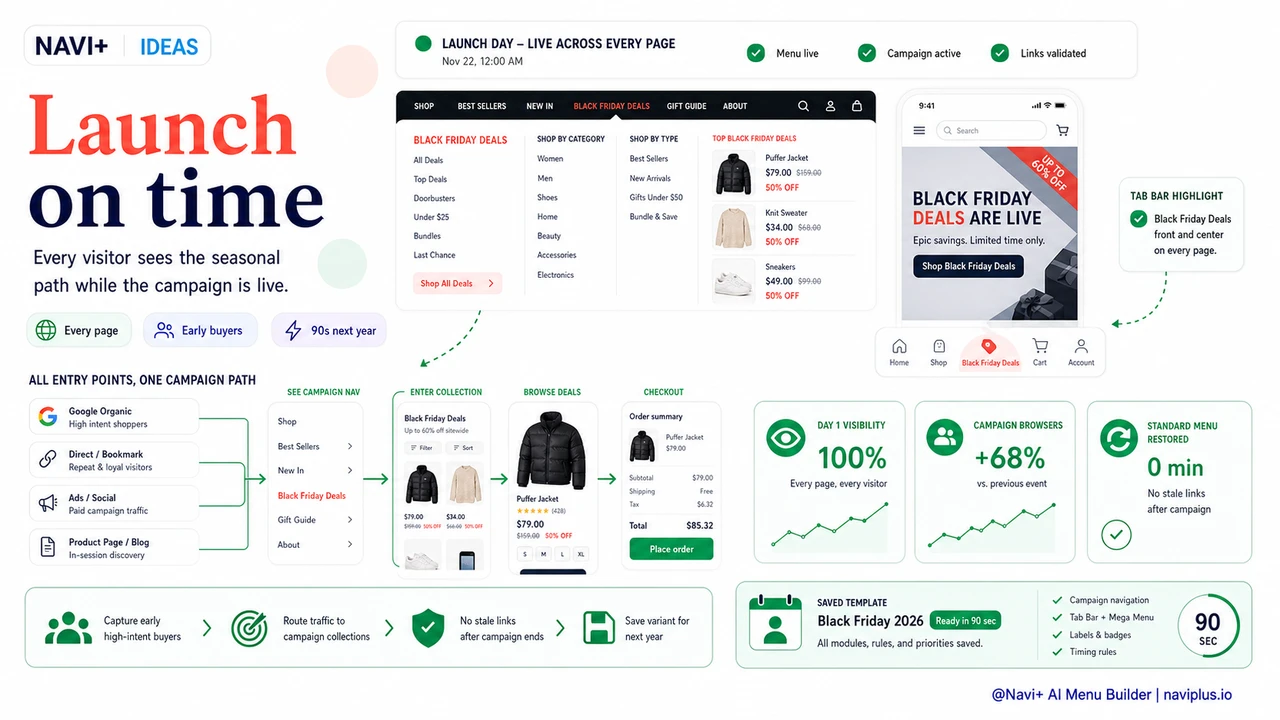
The process is straightforward. Install Navi+ on Shopify, WordPress, or your web platform. In the dashboard, create a new menu — or duplicate your current one to use as a campaign variant. Add the campaign-specific items: a highlighted link to your sale collection, a Mega Menu column featuring your top deals, a Tab Bar shortcut for mobile. Publish the menu and set the display rule to replace your existing navigation.
When the campaign ends, swap back to your standard menu. The campaign version is saved in your Navi+ dashboard and available again next year — with your sale collection links, your badge styles, and your layout already configured. Your Black Friday 2026 navigation setup will take about 90 seconds.
One practical tip: create a dedicated "Campaign" menu in Navi+ that you keep alongside your standard navigation year-round. Update it a few days before each campaign, then flip the publish setting to make it live on launch day. You stop scrambling the night before Black Friday and start launching campaigns on time, every time.
Try it free — no code, no developer needed
Install in minutes on Shopify, WordPress, or any website.