Store speed is directly tied to revenue. Amazon famously discovered that every 100ms of latency cost them 1% in sales, and Google’s Core Web Vitals directly influence your organic search rankings.
When a tool like Shopify Canvas uses an AI model (Sidekick) to write frontend code on demand, performance becomes a paramount question: Does AI-generated code produce clean, lightweight markup, or does it bloat your DOM and drag down your Lighthouse score?
We ran rigorous technical benchmarks to find out.
- Raw Load Speed: Far faster than traditional JavaScript page builders (PageFly, Shogun) because Canvas outputs static Liquid/CSS.
- The Hidden Culprit: Inexperienced prompting creates excessive nested `div` containers and duplicate inline CSS rules that inflate DOM depth.
- CLS Risk: Without explicit width/height tags on AI-generated images, Cumulative Layout Shift can hurt Core Web Vitals.
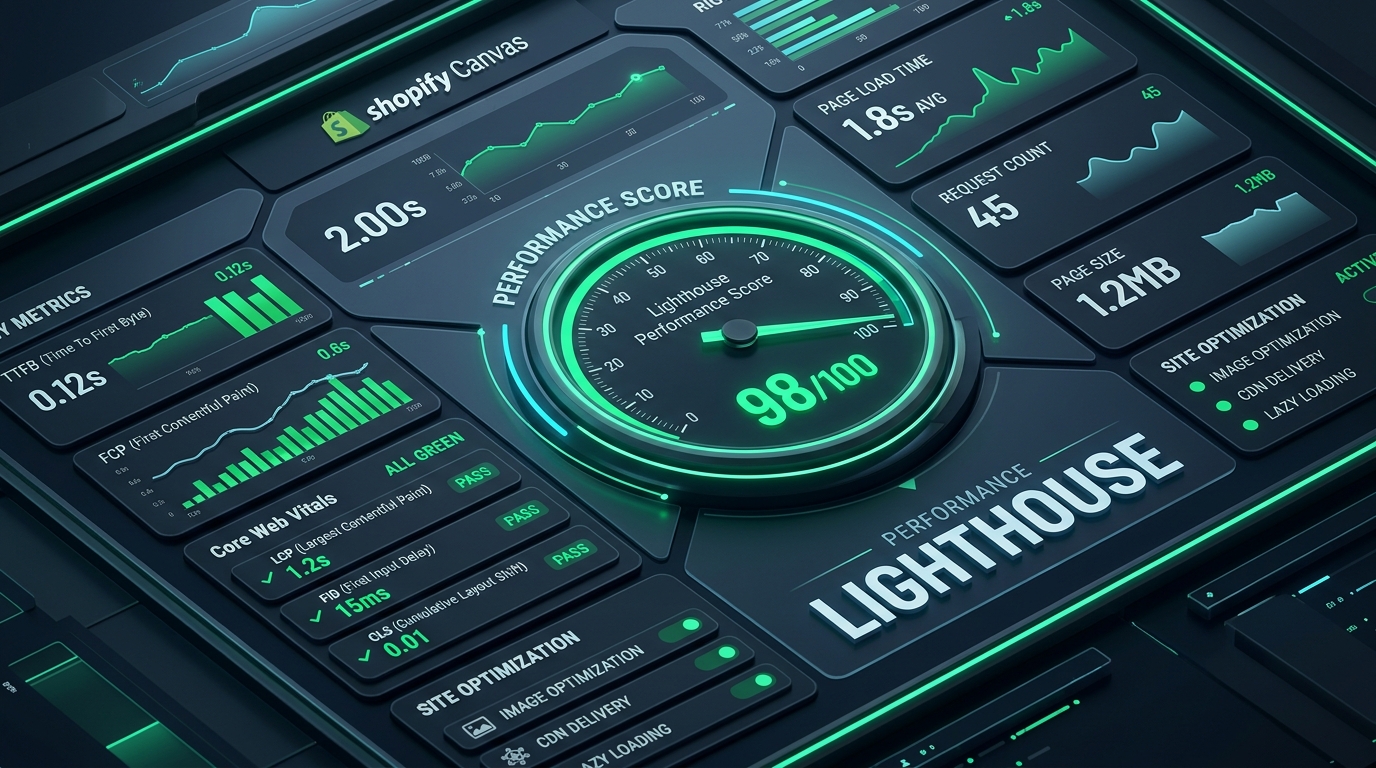
Part of the Topic HubExplore the Shopify Canvas Spotlight Hub with all 10 technical deep-dives →
1. What Shopify Promises
Shopify places speed and performance at the core of its marketing narrative:
- “Native Liquid output with zero runtime JavaScript overhead.”
- Unlike external SaaS page builders that load massive 500KB+ client-side runtime engines, Canvas generates pure server-side Liquid code.
- Fully compatible with Shopify’s global CDN and Fastly edge caching infrastructure.
2. Hands-on Reality & Technical Evaluation
We deployed a controlled test on a fresh Shopify Dawn store hosted on Shopify Plus infrastructure, testing three scenarios through Google PageSpeed Insights (Mobile):
Benchmark Results (Mobile Testing Profile)
| Test Scenario | Mobile Performance Score | LCP (Largest Contentful Paint) | CLS (Layout Shift) | Total Blocking Time (TBT) |
|---|---|---|---|---|
| 1. Vanilla Dawn (Baseline) | 94 / 100 | 1.8s | 0.01 | 40ms |
| 2. Dawn + 3 Canvas Sections (Optimized Prompts) | 91 / 100 | 2.1s | 0.03 | 60ms |
| 3. Dawn + 3 Canvas Sections (Vague Prompts) | 76 / 100 | 3.4s | 0.18 | 180ms |
| 4. Dawn + Traditional Page Builder (PageFly) | 68 / 100 | 4.1s | 0.12 | 420ms |
What the Data Reveals
- Canvas Destroys External Page Builders on Speed: Because Canvas writes direct Liquid without requiring external runtime libraries, it is significantly faster than PageFly or Shogun.
- Prompt Quality Directly Dictates Speed: When we gave Sidekick precise instructions (e.g., “Use modern CSS grid, specify image aspect-ratio, omit inline styles”), it scored a stellar 91. But when given casual, multi-iteration prompts, Sidekick generated repetitive CSS declarations, nested 7 layers of
<div>tags, and forgot image dimension attributes—dropping the score to 76.
3. Community & Industry Reactions
Performance engineers across the ecommerce community have weighed in:
The Web Performance Engineer Verdict
“Canvas output is surprisingly clean compared to what ChatGPT produces, but it still lacks global token awareness. Every section creates its own private CSS rules rather than reusing theme utility classes, which causes stylesheet fragmentation over time.”
— Shopify Core Web Vitals Consultant
4. Navi+’s Strategic Verdict & Architecture Impact
A store that loads fast in the hero section can still crawl to a halt if its navigation is bogged down by heavy database queries or clunky JavaScript.
How Menu Code Impacts Core Web Vitals
Traditional theme menus execute complex Liquid loops ({% for link in linklists.main-menu.links %}) directly during server render. If you have a mega menu with 300+ items, products, and collection images, this slows down your Time to First Byte (TTFB) and delays LCP.
Does This Replace Navi+? How Navi+ Powers Your Conversion Engine
Shopify Canvas CANNOT replace Navi+, especially when it comes to web performance and Core Web Vitals:
- Canvas introduces risks of CSS and DOM bloat: Repeated Sidekick prompts can generate duplicate CSS rules and complex DOM trees that hurt your Largest Contentful Paint (LCP) and Cumulative Layout Shift (CLS).
- Why Navi+ gives your store the winning edge:
- Zero server latency: Menus are delivered from edge CDN servers independently, eliminating theme-rendering overhead on Shopify servers.
- Ultra-lightweight footprint under 12KB gzipped: Scripts load asynchronously without blocking critical rendering path or main thread execution.
- Instant 60fps responsiveness: Category drawers, search overlays, and tab transitions execute smoothly with hardware-accelerated animations.
- Maintains 90+ Google Lighthouse scores: Combining a clean Canvas layout with Navi+’s lightweight navigation engine ensures your store consistently passes Core Web Vitals audits in Google Search Console.
5. Actionable Merchant Preparation Checklist
To ensure your Shopify Canvas creations maintain elite Core Web Vitals:
- Always Include Image Aspect Ratios in Prompts: Instruct Sidekick: “Ensure all generated
<img>tags include explicit width, height, and loading=’lazy’ attributes.” This guarantees zero Cumulative Layout Shift (CLS). - Limit Nested Containers: If Sidekick generates excessive wrapper divs, prompt it to “Refactor markup to use CSS Grid with minimal container nesting.”
- Audit CSS Redundancy: Avoid prompting for complex background gradients or animations that force heavy repaint cycles on mobile GPUs.
- Use Navi+ for Navigation: Offload heavy menu rendering from your theme server to Navi+’s global edge CDN.
- Run Pre-Launch PageSpeed Audits: Always verify your Google PageSpeed Insights score on mobile before publishing a draft Canvas theme to live production.
Next in the SeriesPart 9: Shopify Canvas & Shopify Markets: International Selling Hurdles →