

The Problem
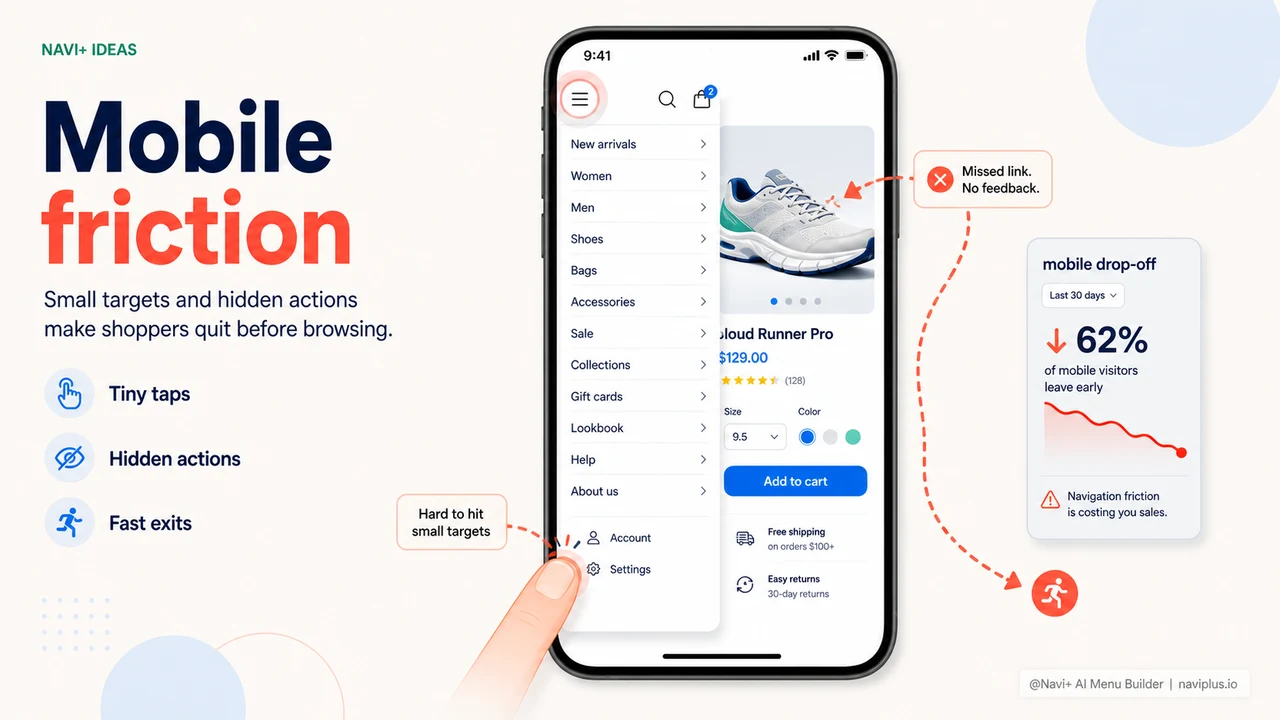
Open Google Analytics and you'll see the familiar number: 65–75% of traffic comes from phones. Your customers are mostly browsing on a 6-inch screen, using their thumbs as the primary navigation tool.
Yet the default hamburger menu on most e-commerce platforms was designed for desktops a decade ago. A tiny three-line icon tucked in the corner of the screen. Menu items stacked too close together. Sub-menus either absent or buried in cramped accordions. Customers need 4–5 taps just to reach the category they want.
The result is predictable: they leave within a few seconds.
"I was running paid ads and getting decent traffic — but conversion rate was stuck. I tried using my own store on my phone and finally understood: the menu was nearly impossible to tap accurately, and finding a category took forever."
— A Navi+ customer
The real-world consequences
When mobile customers can't navigate, a chain of events unfolds quickly:
- Can't find products → can't add to cart
- Bounce rate rises → Google Ads Quality Score drops → cost per click increases
- Short sessions → algorithms read the store as untrustworthy → less organic visibility
- Ad spend wasted — you pay to bring people in, but the experience pushes them straight back out
The problem isn't your products or your prices — it's that customers can't find their way around your store.
How Navi+ solves this
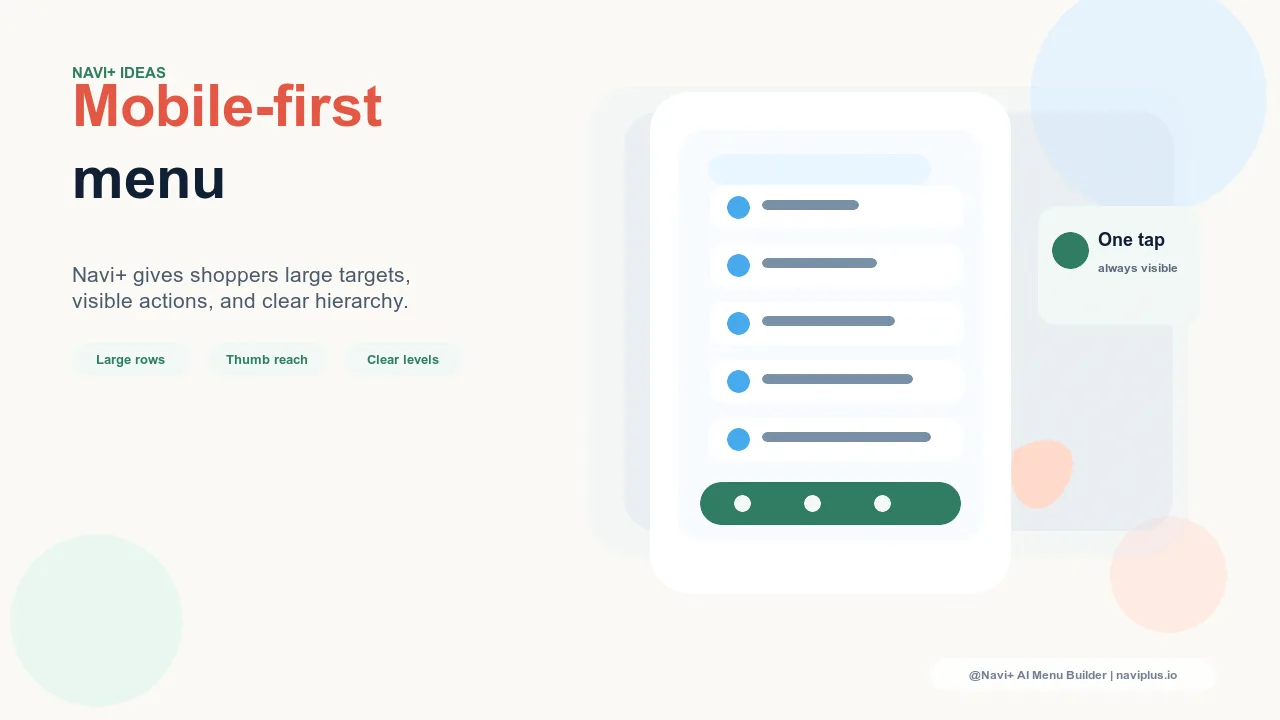
Navi+ provides two navigation solutions built specifically for touchscreens: Slide Menu and Tab Bar. Both are thumb-friendly — large tap targets, clear spacing, easy to hit — and work smoothly without a single line of theme code.
The Slide Menu glides in from the left edge of the screen, supporting multiple levels with clear breadcrumbs so customers always know where they are in the category tree. The Tab Bar sits fixed at the bottom of the screen — every important destination is one tap away.
| Mobile UX criteria | Default menu | Navi+ (Slide Menu + Tab Bar) |
|---|---|---|
| Tap target size | Small, easy to miss | ✓ Large, comfortable padding |
| Multi-level sub-menus on mobile | ✗ or messy accordion | ✓ Horizontal slide with breadcrumb |
| Fixed Tab Bar at bottom of screen | ✗ | ✓ Customizable icons and items |
| Smooth open/close animation | ✗ Abrupt snap | ✓ Smooth slide with easing |
| Category thumbnail images | ✗ | ✓ Visual recognition |
| Search integrated in menu | ✗ | ✓ |
Get set up in 15 minutes
After installing Navi+, open the dashboard → Create new menu → choose Slide Menu or Tab Bar. Import your existing categories, adjust colors to match your brand, drag and drop to set item order. No theme changes required, no developer needed.
The most important step after setup: use your own phone to browse your store and tap through the menu. If your thumb lands accurately and comfortably every time — you're ready.
Try it free — no code, no developer needed
Install in minutes on Shopify, WordPress, or any website.