

The Problem
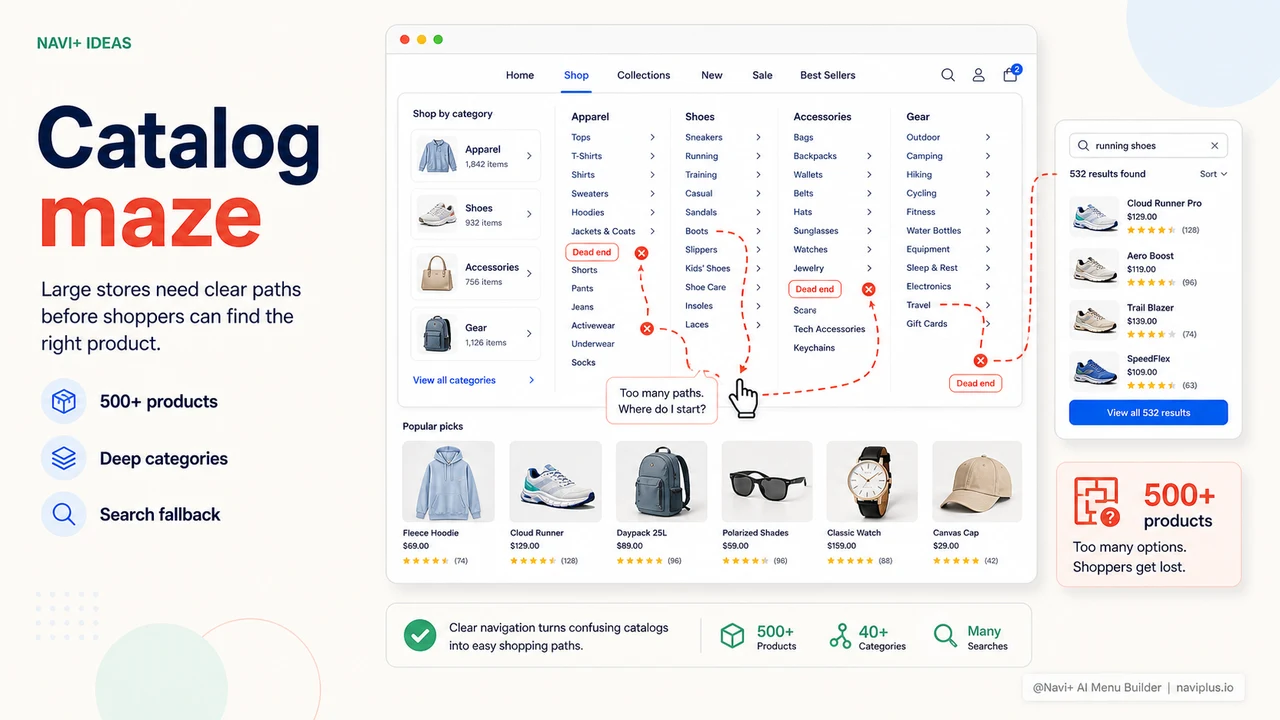
You have 500, 800, even 1,000+ SKUs. You've invested in product photography, detailed descriptions, and competitive pricing. But the navigation menu is still a flat list — all categories in a single row, no hierarchy, no quick filters, no thumbnails.
Customers open the menu and see 30 lines of text. They don't know where to start. Most will try the search bar (if they can find it), others will scroll the homepage for a while and then leave. Your massive catalog — the one you spent months building — is essentially invisible to most of your customers.
"The store had over 700 products but customers kept buying the same 5–6 items from the homepage. I knew the problem was in the navigation but didn't know where to start."
— A Navi+ customer
A large catalog with poor navigation is worse than no catalog
Many merchants think a large catalog is a competitive advantage. It is — but only if customers can find things. When navigation is weak, a large catalog is actually a burden:
- Customers get overwhelmed — too many choices with no quick filter causes the brain to default to "don't buy" rather than choose something
- Homepage carries all the traffic — products in level 3 or level 4 categories almost never get discovered by customers on their own
- Low session time, high bounce rate — customers are lost in your store, not exploring it
- Search isn't a complete solution — customers can only find things they already know the name of; they can't discover new categories
A flat menu is designed for stores with fewer than 30 products. Once you pass that mark, you need a fundamentally different navigation system.
How Navi+ handles large catalogs
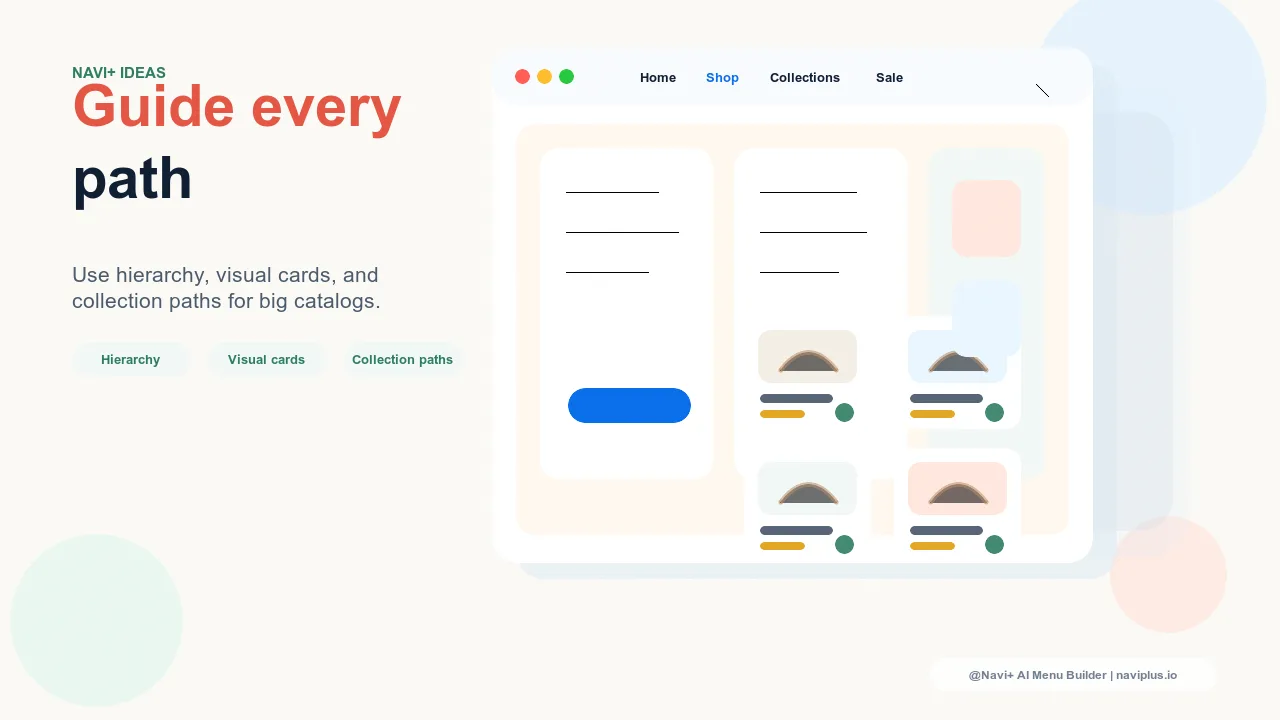
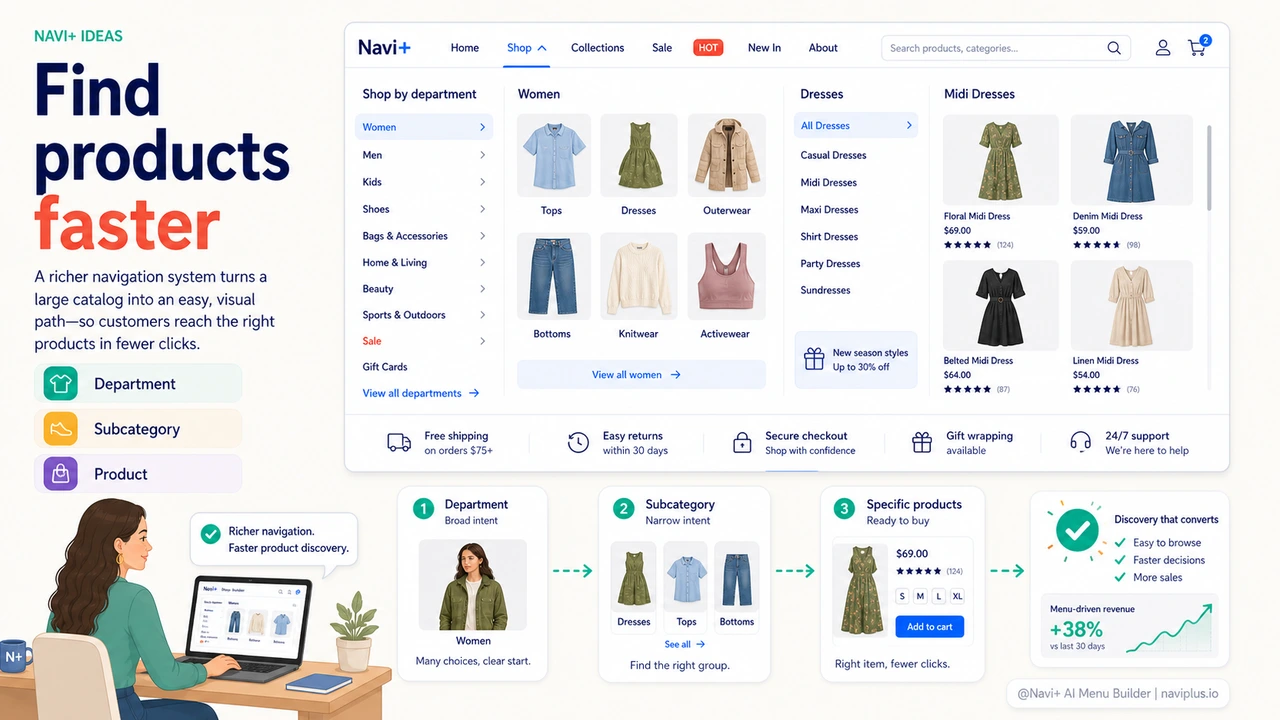
Navi+ offers two menu types suited to large catalogs: Mega Menu for desktop (showing the full category structure in a wide panel, with images and clear groupings) and multi-level Slide Menu for mobile (sliding horizontally through each category level with breadcrumbs so customers never feel lost). Both support unlimited levels and unlimited items.
| Feature | Default menu | Navi+ Mega/Grid Menu |
|---|---|---|
| Category hierarchy depth | 1–2 levels, poor UX | ✓ unlimited, smooth UX |
| Category images | ✗ text only | ✓ thumbnails, banners, icons |
| Group categories by theme | ✗ flat list | ✓ columns, groups, section headers |
| Highlight featured categories / products | ✗ | ✓ featured block in mega menu |
| Breadcrumb on mobile navigation | ✗ easy to get lost | ✓ always know where you are |
| Search integrated in menu | ✗ | ✓ search right inside the panel |
Getting started
After installing Navi+, go to your dashboard → Create new menu → Mega Menu (for desktop) or Slide Menu (for mobile). Import your existing category structure, then drag and drop to organize into groups. For each category group, you can add a representative image, a short description, or a quick link to top-selling products in that group.
If your store has a complex structure — for example, electronics with brand × model × product type — Navi+ lets you build an unlimited-depth tree. Mobile customers will slide through each level with clear breadcrumbs and never feel disoriented.
Try it free — no code, no developer needed
Install in minutes on Shopify, WordPress, or any website.