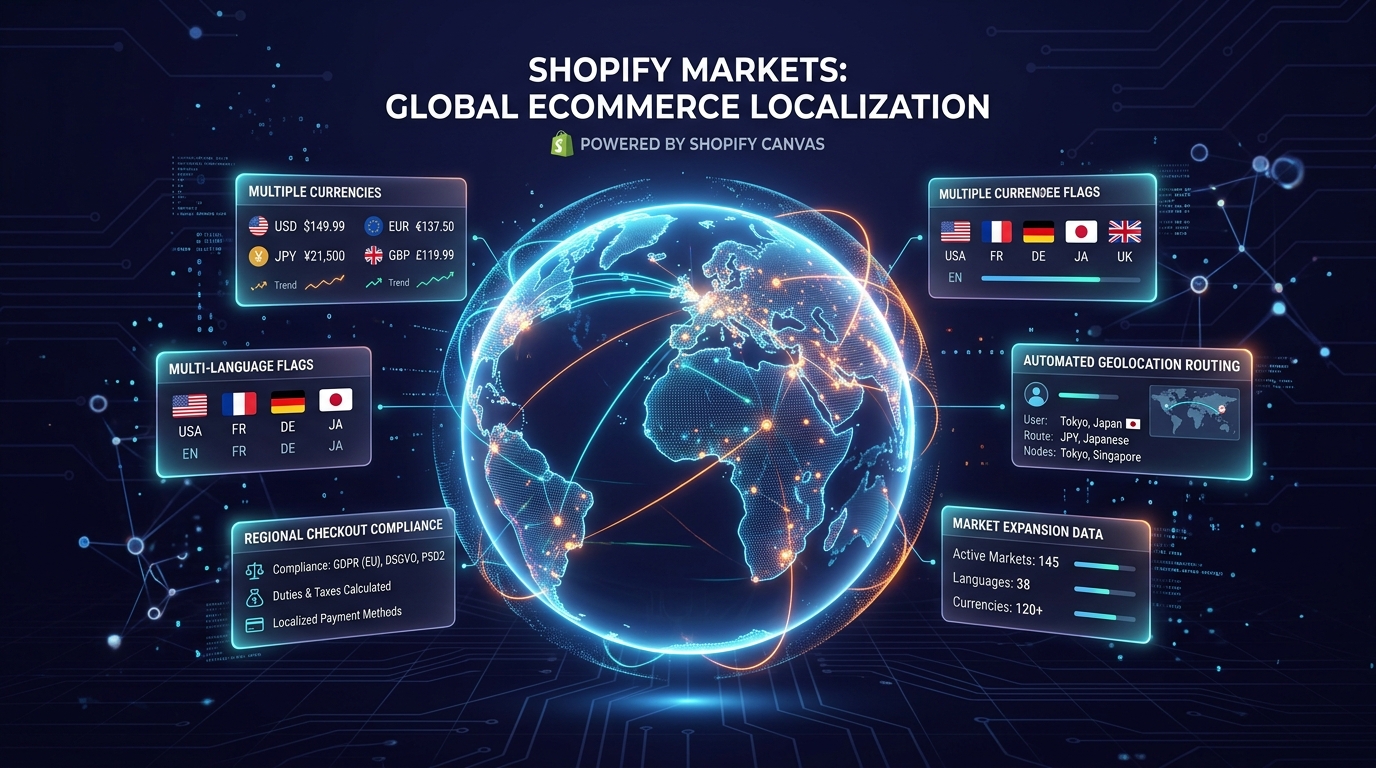
Cross-border ecommerce is one of the highest-growth revenue opportunities for modern Shopify merchants. Through Shopify Markets and Shopify Translate & Adapt, stores can dynamically adjust currencies, localized messaging, and product pricing based on a visitor’s geographic IP.
However, when you introduce Shopify Canvas—where Sidekick AI generates layout markup in real time—internationalization faces serious technical hurdles.
In this deep dive, we investigate how Canvas handles multi-language translations, currency localization, and market-specific content filtering.
- The Hardcoded String Trap: Sidekick AI frequently hardcodes copy directly into Liquid templates rather than referencing translation locale files (`locales/en.json`).
- Market Visibility Rules: Canvas sections currently lack native toggles to show or hide sections based on specific Shopify Markets.
- The Navi+ Edge: Navi+ provides built-in multi-language and currency support across 9+ locales without touching theme code.
Part of the Topic HubExplore the Shopify Canvas Spotlight Hub with all 10 technical deep-dives →
1. What Shopify Promises
Shopify presents its commerce ecosystem as inherently global:
- One unified storefront capable of selling in 150+ countries.
- Automated currency conversion and localization hooks.
- Seamless coexistence between new design tools and core commerce infrastructure like Shopify Markets.
2. Hands-on Reality & Technical Evaluation
We configured a test store with two active markets: United States (USD, English) and Germany (EUR, German). We then used Canvas to create a seasonal promotional banner.
Here is what our audit uncovered:
1. Hardcoded Text vs. Translation Keys
When you prompt Sidekick: “Create a banner that says ‘Free Worldwide Shipping on Orders Over $50’“, Sidekick generates static HTML:
<p class="canvas-banner-text">Free Worldwide Shipping on Orders Over $50</p>
Because this string is hard-coded into the section file rather than wrapped in a translation filter ({{ 'sections.banner.shipping_notice' | t }}), Shopify Translate & Adapt cannot detect the string. German visitors browsing /de still see the hardcoded English text.
2. Currency Formatting Issues
In the same banner, the “$50” threshold was written as a static dollar sign. It did not dynamically convert to “€45” when viewed from Germany through Shopify Markets currency rules.
3. Missing Market Section Visibility
In standard Shopify 2.0 theme sections, merchants can assign contextual overrides for specific markets. Inside the Canvas Early Access interface, market-specific section switching is not yet exposed. You cannot easily show one Canvas layout to US shoppers and a completely different Canvas layout to European shoppers.
3. Community & Industry Reactions
Global ecommerce brands have flagged this as an immediate blocker for international rollout:
The Global Merchant Perspective
“We sell across 12 European countries in 4 languages. If our marketing team creates beautiful sections with Canvas, but our German and French customers can’t read the translated copy, we simply cannot use it on our localized storefronts.”
— Head of Ecommerce, Multi-National DTC Brand
4. Navi+’s Strategic Verdict & Architecture Impact
When selling internationally, your navigation is the first touchpoint that must communicate cultural fluency and geographic relevance.
If a French shopper lands on your site and sees English menu labels, or cannot easily switch their currency and region from the mobile header, conversion rates plummet by over 40%.
Does This Replace Navi+? How Navi+ Powers Your Conversion Engine
Shopify Canvas CANNOT replace Navi+ for international and multi-market ecommerce:
- Canvas faces major localization bottlenecks: Sidekick AI often hardcodes text strings and currency symbols directly into generated Liquid templates, preventing Translate & Adapt and Shopify Markets from translating them dynamically.
- Why Navi+ gives your store the winning edge:
- Native localization across 9 leading global languages: Navi+ comes pre-built with multi-language support (English, French, German, Spanish, Italian, Portuguese, Japanese, Chinese, Vietnamese) directly in the admin dashboard without editing complex JSON locale files.
- Automated Shopify Markets context detection: Automatically detects shopper geography to display the correct currency, localized labels, and targeted URLs for each country.
- Built-in currency & country selector in the Tab Bar: Allows shoppers to switch market regions seamlessly from the mobile menu or floating button, reducing international checkout friction.
- One-click AI menu translation: Translate your entire multi-level navigation tree into multiple languages simultaneously with a single click inside the Navi+ dashboard.
5. Actionable Merchant Preparation Checklist
If you operate a multi-market or multi-language Shopify store and want to test Canvas:
- Enforce Translation Tags in Prompts: When prompting Sidekick, explicitly ask it to use translation filters: “Ensure all visible text strings use the Shopify Liquid
| ttranslation filter and output clean schema labels.” - Audit Locale Files: After Sidekick creates a section, open your theme’s code editor and manually add the corresponding keys into your
locales/en.jsonand international locale files. - Use Dynamic Liquid Money Filters: Replace any static currency mentions (like “$100”) with dynamic Shopify Liquid tags (
{{ 10000 | money }}) so Shopify Markets can handle currency conversion. - Deploy Multi-Language Navigation with Navi+: Power your mobile Tab Bar and desktop Mega Menu through Navi+ to guarantee immediate, localized navigation for all international visitors.
- Test Via VPN: Always preview your store using a VPN set to your target international countries to verify that text, currency, and navigation adapt properly.
Next in the SeriesPart 10: Should You Use Shopify Canvas in 2026? The Merchant Decision Framework →