

The Problem
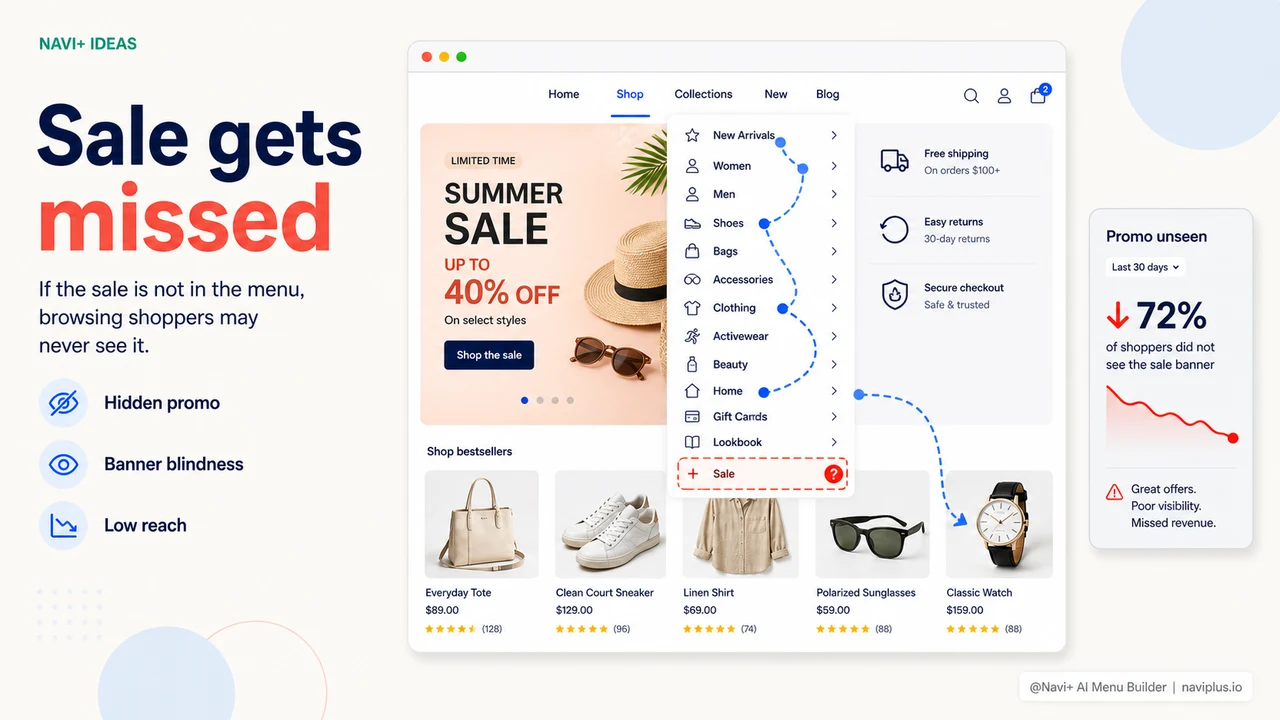
Today you're running a 24-hour flash sale. You have a homepage banner. You sent emails. Maybe you're running ads in parallel. But when customers are already in your store — and they open the menu to find something — what do they see? The same text list as always. Nothing suggests there's a sale happening.
The menu on most e-commerce platforms is designed as a fixed structure — categories just sit there, rarely changing. No "HOT" badge, no red highlight, no small banner inside the menu linking directly to the sale collection. Want to add one? You'd have to go into admin, edit a menu item, reload, test — and manually clean it up when the sale ends.
The result: your menu becomes a neutral, inert element — even though it's the place customers interact with most when navigating your store.
"Every time I ran a sale I had to message a staff member to update the menu, wait for confirmation, then message again to clean it up afterward. Eventually I just stopped bothering — customers who wanted to find it would find it. Most didn't."
— A Navi+ customer
The missed opportunity is bigger than you think
Navigation isn't only for directing traffic — it's a sales tool if you use it right. Large e-commerce platforms have understood this for years: their mega menus include banners, "On Sale Now" highlight sections, and "New" badges on freshly launched categories.
When your menu lacks these capabilities, you're stuck using workarounds that don't cut it:
- Sale popup — customers see it once, close it, forget it
- Homepage banner — only effective when customers return to the homepage
- Email / push notifications — good for pulling customers in, but useless once they're already inside your store
- Announcement bar at the top of the page — small, easy to ignore, doesn't link directly to the sale collection
Nothing replaces a menu item with a red "SALE" badge right when customers open the menu. That's purchase intent at the exact right moment — and you're leaving it on the table.
Navi+ Mega Menu: menu as a marketing tool
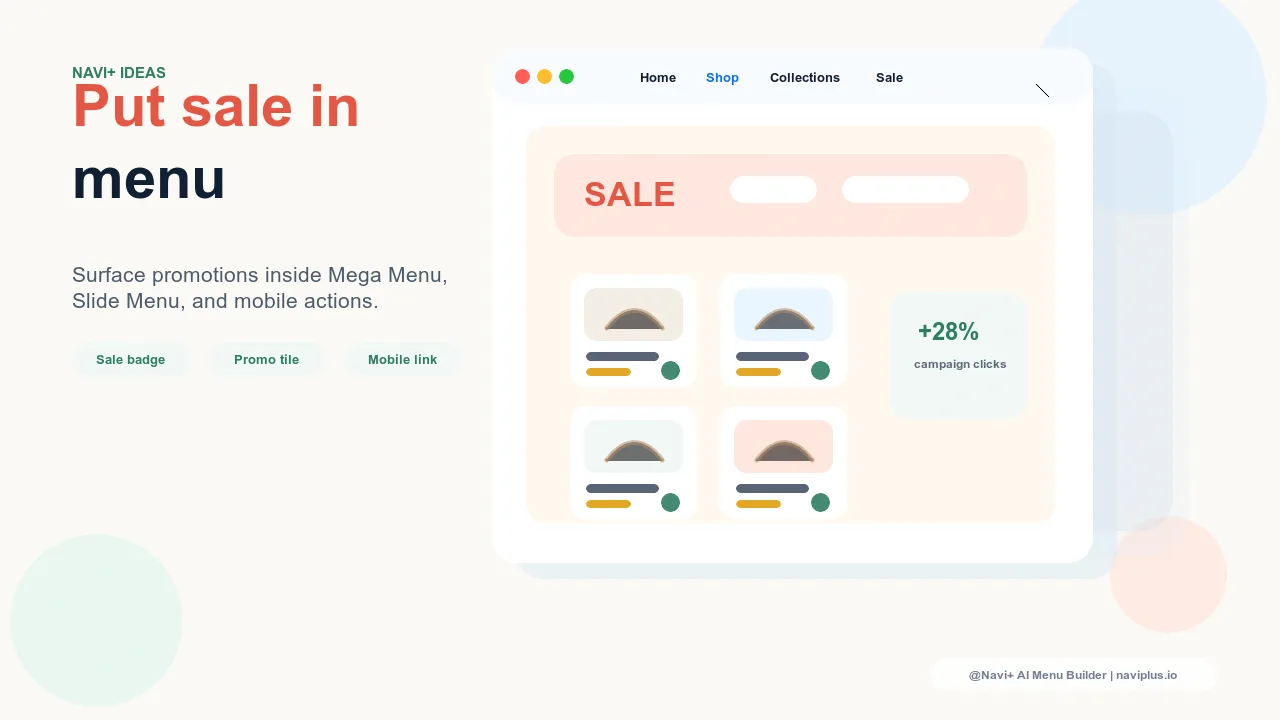
With Navi+, you can turn your menu into a dynamic storefront — updated for each campaign without code changes, without waiting on a developer.
Mega Menu supports multi-column layouts with image banners right inside the menu. You can add custom badges (HOT, SALE, NEW, -30%) to individual items, apply distinct highlight colors to promoted categories, and embed a collection banner directly in the dropdown — all through a drag-and-drop dashboard, no code required.
When the flash sale ends, turn off the badge and remove the highlight in 2 minutes. No staff to message, no one to wait for.
| Marketing capability in menu | Default menu | Navi+ Mega Menu |
|---|---|---|
| HOT / SALE / NEW badge on menu items | ✗ | ✓ Custom text and color |
| Image banner inside dropdown | ✗ | ✓ Multi-column, image + CTA |
| Highlight color for promoted items | ✗ All look the same | ✓ Custom background and text color |
| "Featured products" section in menu | ✗ | ✓ Show products with price |
| Quick updates when campaign changes | Requires code or admin edits | ✓ Dashboard, minutes |
| Multi-column mega menu for desktop | ✗ or very basic | ✓ Flexible layout |
Real-world use cases
A few ways to use Navi+ Mega Menu to drive more revenue during campaigns:
- 24-hour flash sale — add a red "FLASH SALE" badge + countdown banner to the "Promotions" item
- New arrivals — green "NEW" badge on recently launched collections, with product thumbnails in the mega menu
- Clearance — orange highlight on the "Clearance" item, moved to the top of the menu
- Seasonal campaign — embed a themed image banner (holiday, back-to-school, summer) directly in the dropdown
Each change takes a few minutes in the Navi+ dashboard. When the campaign ends, revert to your default config or set up the next one.
Try it free — no code, no developer needed
Install in minutes on Shopify, WordPress, or any website.