You do not need to be an engineer to run a safe store. But a few technical mechanisms now decide whether an attack succeeds or fails. You see them in app reviews, security questionnaires, and Shopify’s own announcements. Understanding how they work helps you ask app vendors much sharper questions.
Each technology below is broken down in plain English: what it does, what it stops, and where it stops.
- Passkeys remove the password from the most common attack, phishing.
- Sandboxes are why tracking pixels and Shopify Functions cannot read your checkout.
- SRI and CSP protect against tampered files, but not against code delivered as "settings" by a trusted vendor, the method used in the October 2026 hijack.
- No single technology is enough. Real protection comes from layers plus fewer, better-chosen apps.
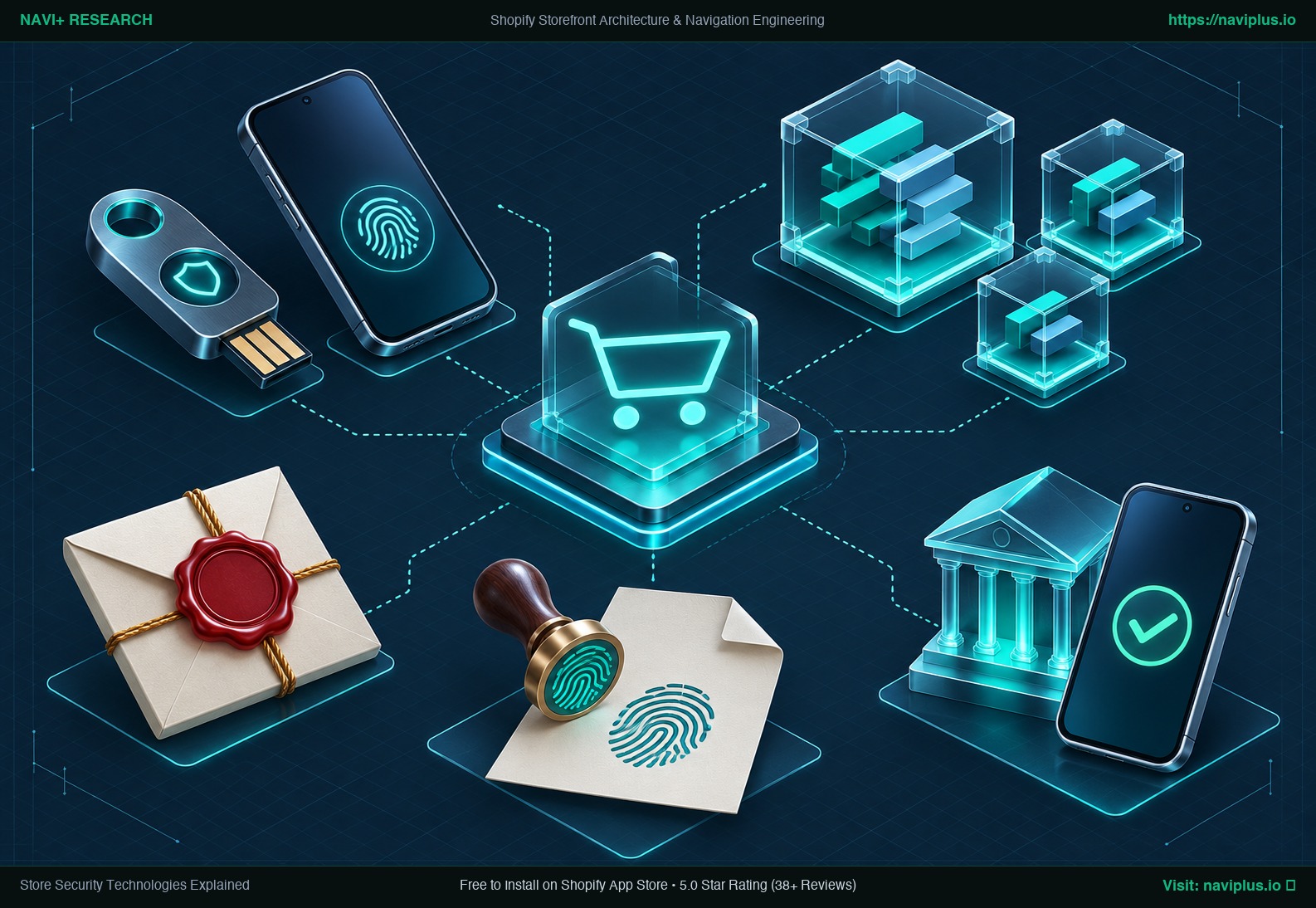 Concept illustration: passkeys, sandboxes and signed tokens guarding a modern online store.
Part of the Topic HubExplore the Shopify Security Spotlight Hub →
1. Passkeys and security keys (WebAuthn)
What it does: You sign in with your device (fingerprint, face recognition, or PIN) or a physical hardware key instead of a password. The private key never leaves your device.
What it stops: Phishing. A passkey is cryptographically tied to the genuine website address, so a fake “Shopify login” page cannot use it, even if the copy looks identical. That matters even more today as AI tools write highly convincing phishing emails.
Where it stops: A stolen, unlocked laptop, or an attacker you invite yourself as a collaborator.
On Shopify: Supported for staff 2-step authentication, and for Shop Pay customers.
2. Signed, short-lived tokens (OAuth and token exchange)
What it does: Instead of relying on a permanent password, an app receives a cryptographic token signed by Shopify proving which store it acts for. Short-lived tokens expire quickly and must be refreshed regularly.
What it stops: Replayed or forged requests, and long-term damage if a token leaks.
Where it stops: Long-lived tokens you create for custom apps or agencies. You must still treat those like a master key.
3. Least-privilege scopes
What it does: Each app explicitly declares what it may read or write: products, orders, customers, or themes.
What it stops: An app (or an attacker who controls it) reaching beyond its intended role. A menu app has no reason to read customer orders; a reviews app has no reason to edit your theme.
Where it stops: Scopes limit backend API access. They do not limit what an app’s own script does in the shopper’s browser once it loads on the page.
4. Sandboxes
What it does: Runs code in an isolated environment with no access to the rest of the page or underlying system.
- Web pixels: App pixels run in a strict sandbox (a web worker with no page access); custom pixels run in a sandboxed iframe that cannot reach the top page.
- Shopify Functions: WebAssembly modules with hard limits on instructions, memory, and input; no network access except for custom apps on Enterprise plans.
What it stops: A tracking script reading credit card fields, or a discount function calling an outside server.
Where it stops: Normal storefront scripts, including most app embeds, are not sandboxed. They run with full access to the page.
5. Content Security Policy (CSP)
What it does: An HTTP header that tells the browser which domains a page may load scripts from, connect to, or be framed by.
What it stops: Scripts loaded from unknown domains, and clickjacking attacks (Shopify requires apps to set frame-ancestors on their admin pages).
Where it stops: A store with many apps needs an extensive allowlist, and malicious code running from an approved domain is still permitted. CSP remains strongest on small, strictly controlled pages like checkout.
6. Subresource Integrity (SRI)
What it does: You attach a cryptographic hash (fingerprint) to a script tag; the browser blocks the file if its contents have changed.
What it stops: A tampered file hosted on a CDN.
Where it stops: Files that legitimately change often, and code that arrives as data. In the October 2026 hijack, the app’s file on Shopify’s CDN was clean. The malicious code came from the vendor’s settings API. SRI would not have helped. MDN’s documentation notes these limits.
7. PCI DSS 4.0: rules for scripts on payment pages
What it is: The payment card industry’s security standard. Two newer requirements specifically target “e-skimming”:
- 6.4.3: Keep an inventory of every script on payment pages, and justify and verify each one.
- 11.6.1: Detect unauthorized changes to payment pages and their security headers.
The PCI Security Standards Council published guidance on these rules in 2025. On Shopify, checkout pages are controlled by Shopify, which is one key reason checkout.liquid and checkout script tags were retired. We found no official Shopify page that assigns these two requirements for every setup, so confirm with Shopify and your payment provider if you need compliance evidence.
8. 3D Secure (3DS2)
What it does: The shopper’s bank confirms the payment, usually inside their mobile banking app.
What it stops: Many uses of stolen card numbers. It is applied to card payments across the European Economic Area.
Where it stops: Criminals can relay the 3DS verification step through a fake store, as Sansec documented in the GorgonAgora network. The shopper approves a payment they believe is genuine.
9. Bot challenges
What it does: A test such as reCAPTCHA or hCaptcha that is quick for real shoppers and costly for automated bots.
What it stops: Automated checkouts during limited inventory drops, card testing attacks, and certain forms of scraping.
Where it stops: Bot tests add checkout friction, and AI shopping agents complicate the picture: some automated visitors are now genuine customers using AI assistants. Shopify’s agent documentation uses signed requests and trust tiers to tell them apart.
10. Trade-offs and a simple rule
| Technology | Protects against | Does not protect against |
|---|---|---|
| Passkeys | Phishing of staff logins | Invited bad collaborators |
| Signed tokens | Forged or replayed requests | Leaked long-lived tokens |
| Scopes | Apps overreaching via API | Script behaviour in the browser |
| Sandboxes | Pixels/Functions reading checkout | Normal storefront scripts |
| CSP | Scripts from unknown domains | Bad code from allowed domains |
| SRI | Tampered static files | Code delivered as settings data |
| 3DS | Simple stolen-card use | Relayed approval on fake stores |
The simple rule: every app you install adds code you do not control. Prefer apps with narrow scopes, no checkout access, and a clear explanation of what runs on your storefront.
11. Questions to ask any app vendor
- Which scopes do you request, and why each one?
- Does your app run code on my storefront or checkout? From where is it loaded?
- Can settings fields in your app contain JavaScript or HTML, and who can edit them?
- How do you protect your own admin and internal tools (2FA, access logs)?
- What happens to my data and my storefront when I uninstall?
See how Navi+ answers these questions, or read what Shopify already does for you.
Sources
- Shopify Help, Two-step authentication: https://help.shopify.com/en/manual/your-account/account-security/two-step-authentication
- Shopify.dev, Token exchange: https://shopify.dev/docs/apps/build/authentication-authorization/access-tokens/token-exchange
- Shopify.dev, Web pixels: https://shopify.dev/docs/apps/build/marketing-analytics/pixels
- Shopify.dev, Shopify Functions: https://shopify.dev/docs/api/functions
- Shopify.dev, Set up iframe protection: https://shopify.dev/docs/apps/build/security/set-up-iframe-protection
- MDN, Subresource Integrity: https://developer.mozilla.org/en-US/docs/Web/Security/Subresource_Integrity
- PCI Security Standards Council, Payment Page Security and Preventing E-Skimming: https://blog.pcisecuritystandards.org/new-information-supplement-payment-page-security-and-preventing-e-skimming
- Sansec, GorgonAgora: https://sansec.io/research/gorgonagora-fake-storefront-skimming-network
- cside, HulkApps Shopify checkout hijack: https://cside.com/blog/hulkapps-shopify-checkout-hijack
- Shopify.dev, Agents: https://shopify.dev/docs/agents