Better User Experience
Make every visitor feel at home — on any device. 39 articles on navigation UX, mobile experience, and reducing friction.
 →
→
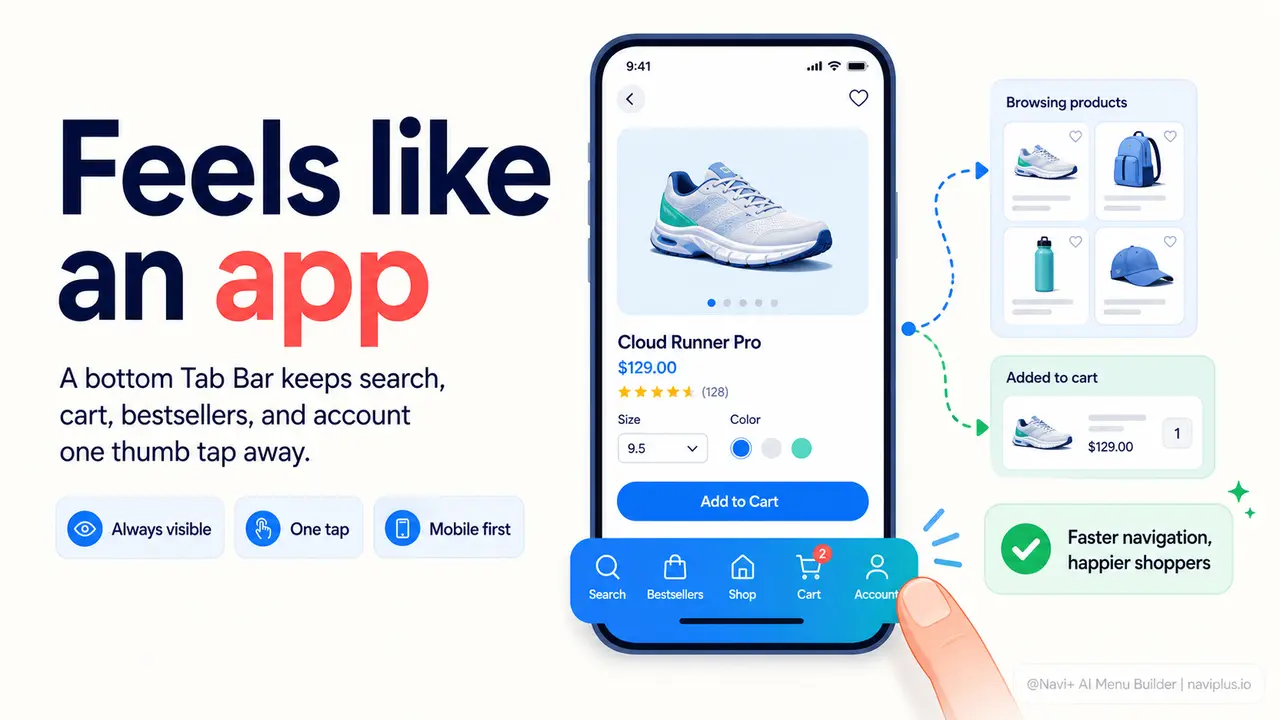
Your store feels like a website — not an app. Navi+ Tab Bar fixes that.
 →
→
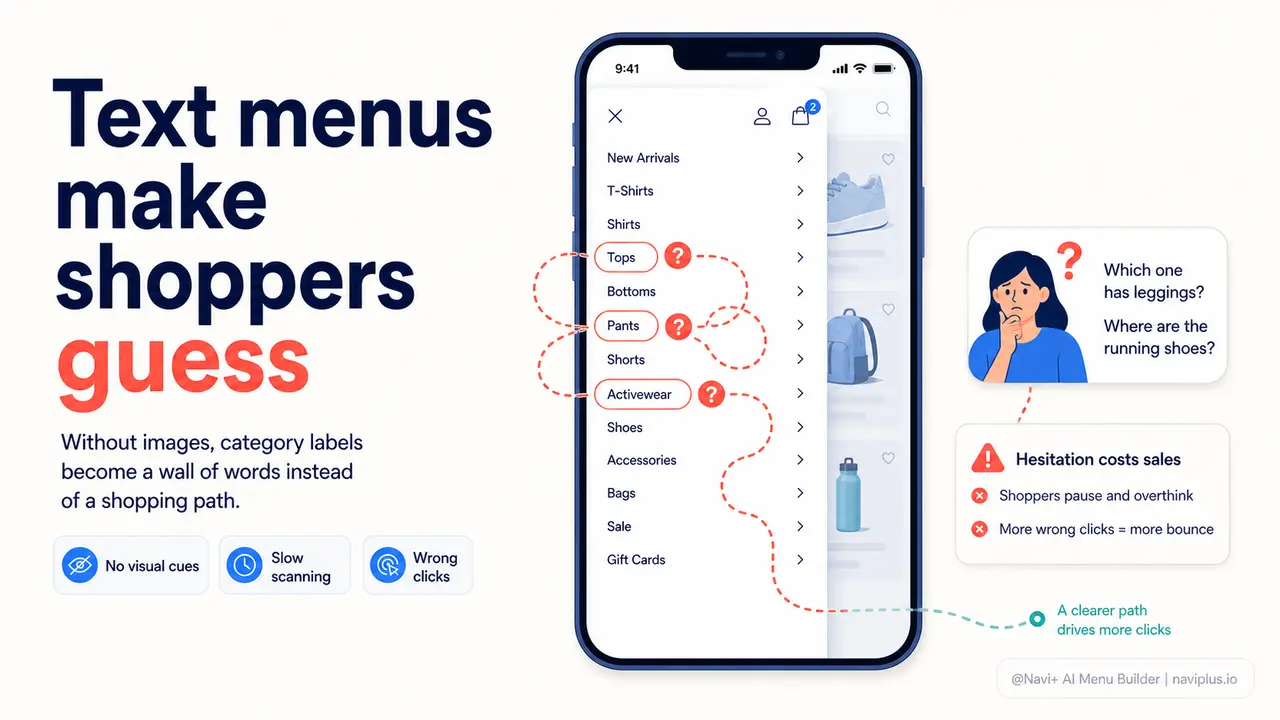
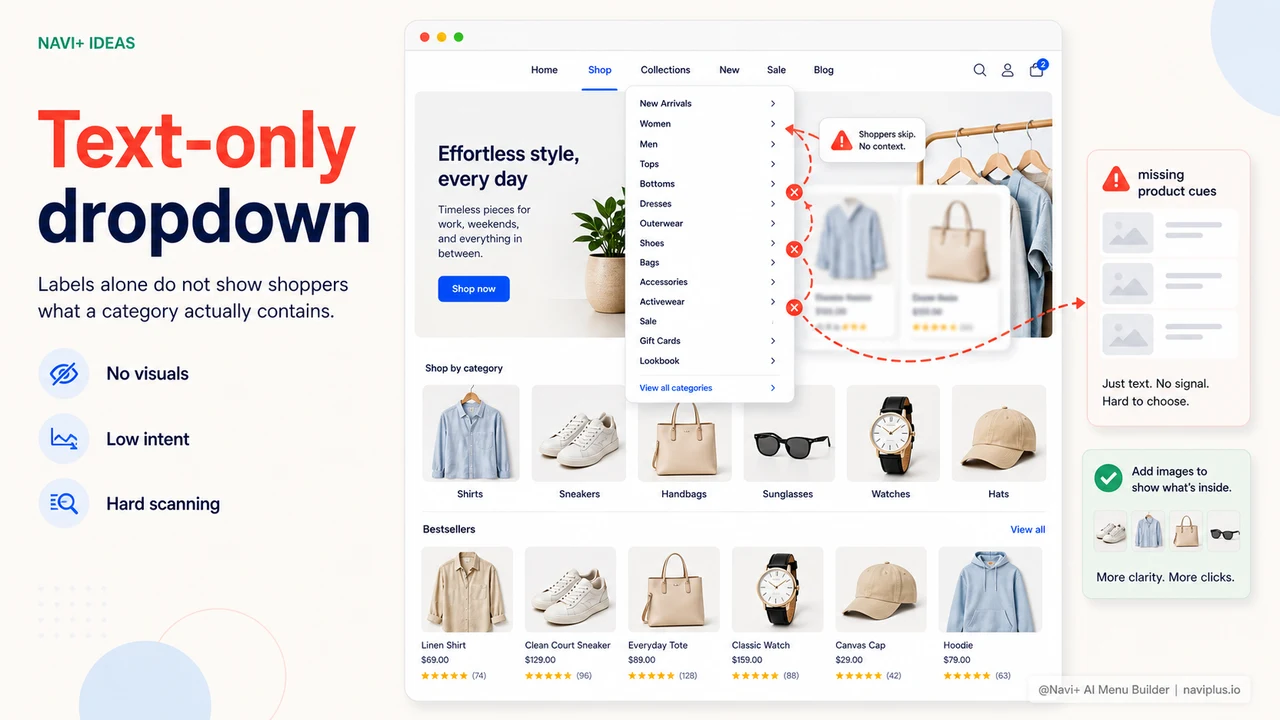
Text menus make shoppers guess. Navi+ image menus make them click.
 →
→
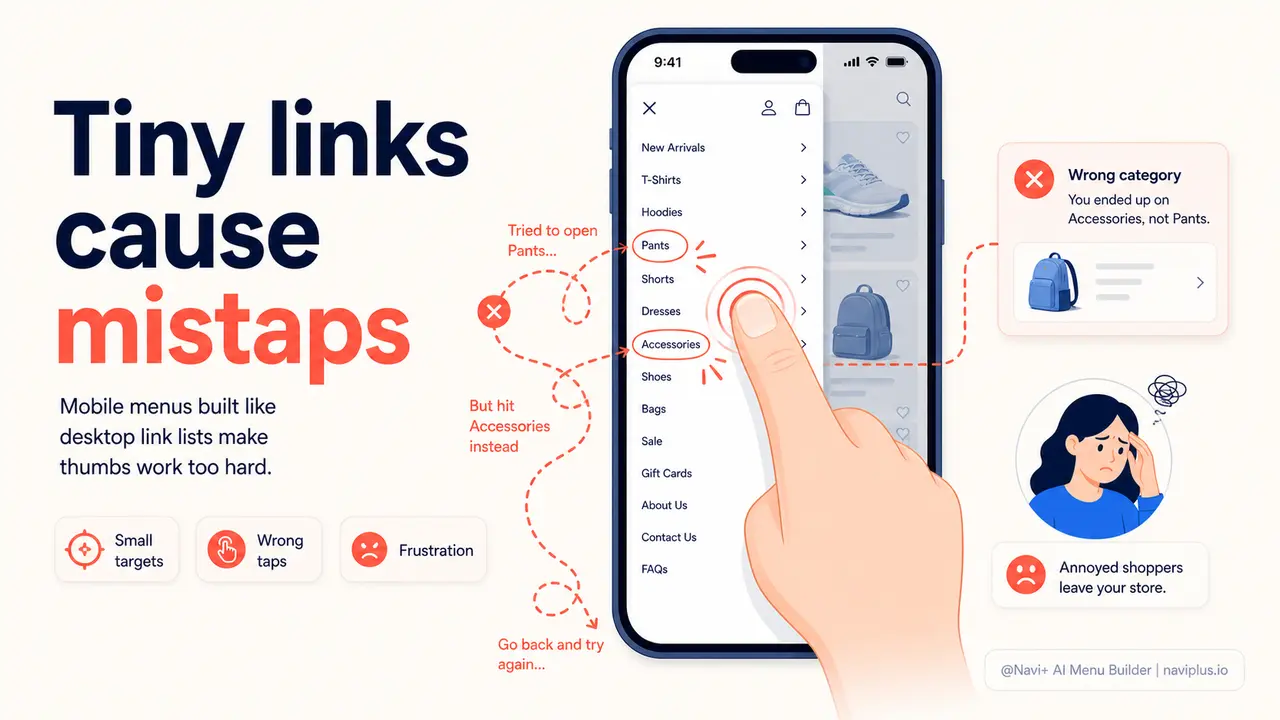
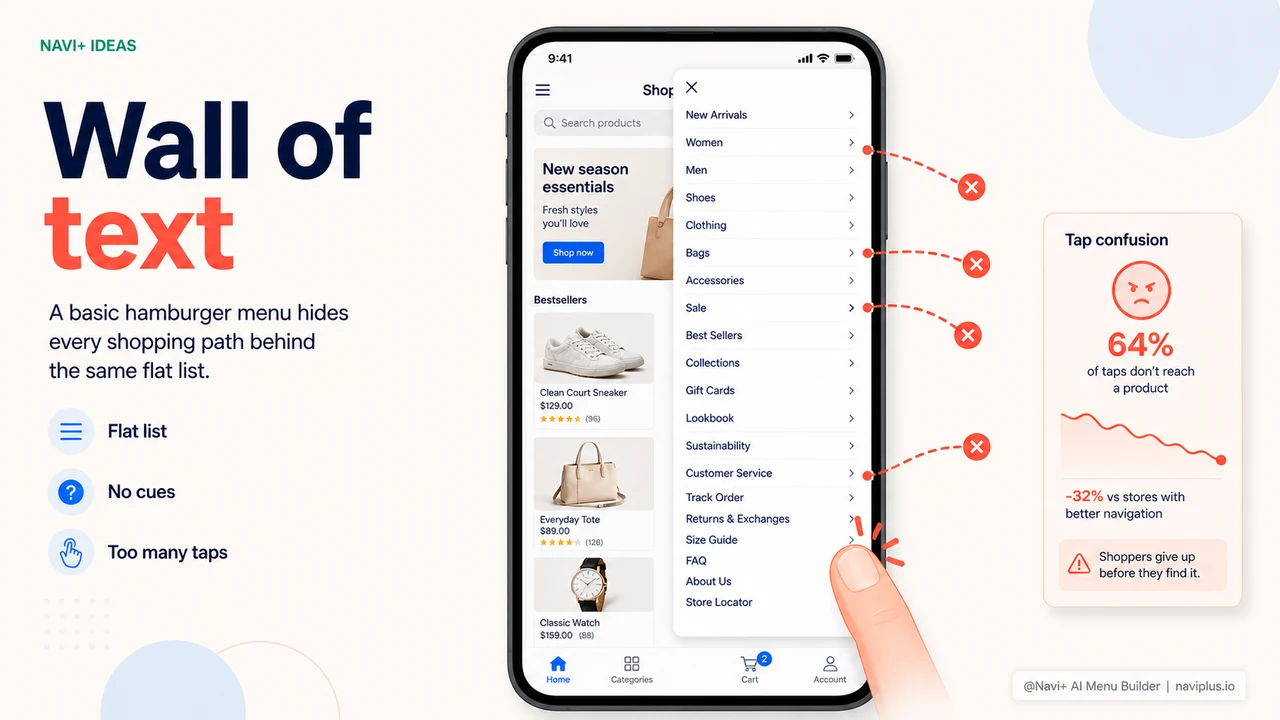
Your mobile visitors are mis-tapping and leaving. Navi+ Slide Menu fixes it.
 →
→
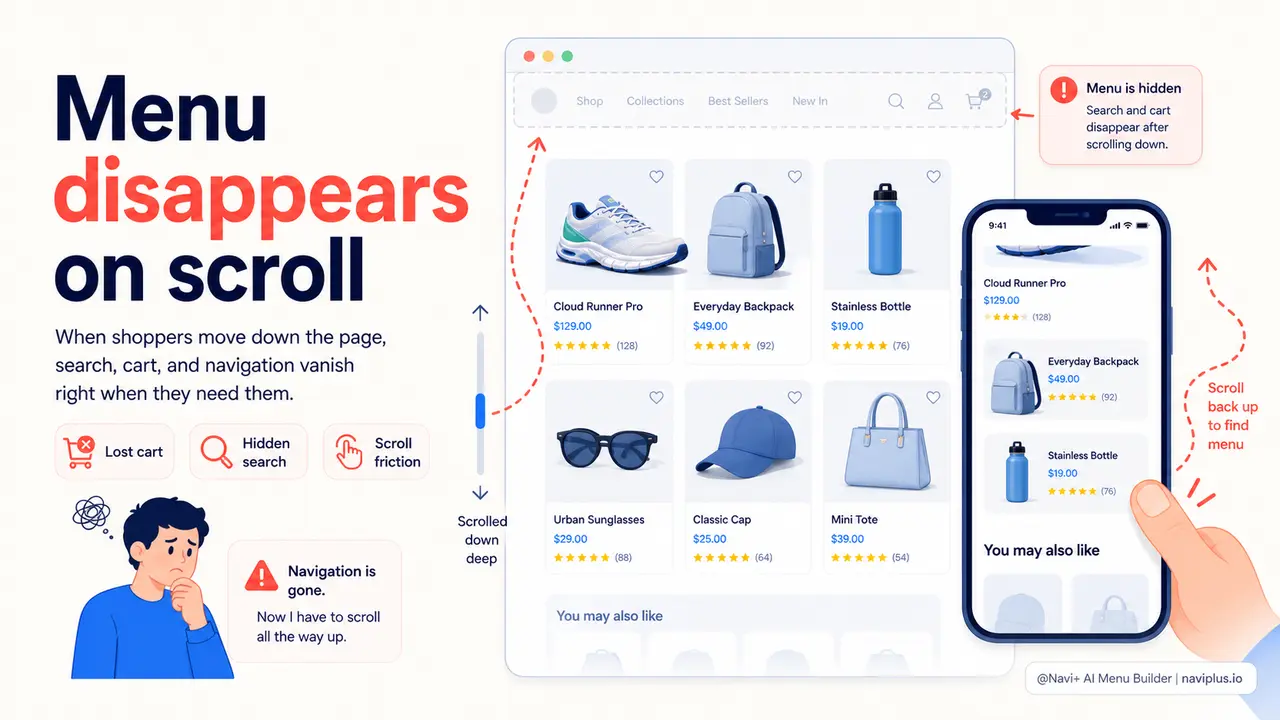
Visitors scroll down and your menu disappears. Navi+ Sticky keeps it always there.
 →
→
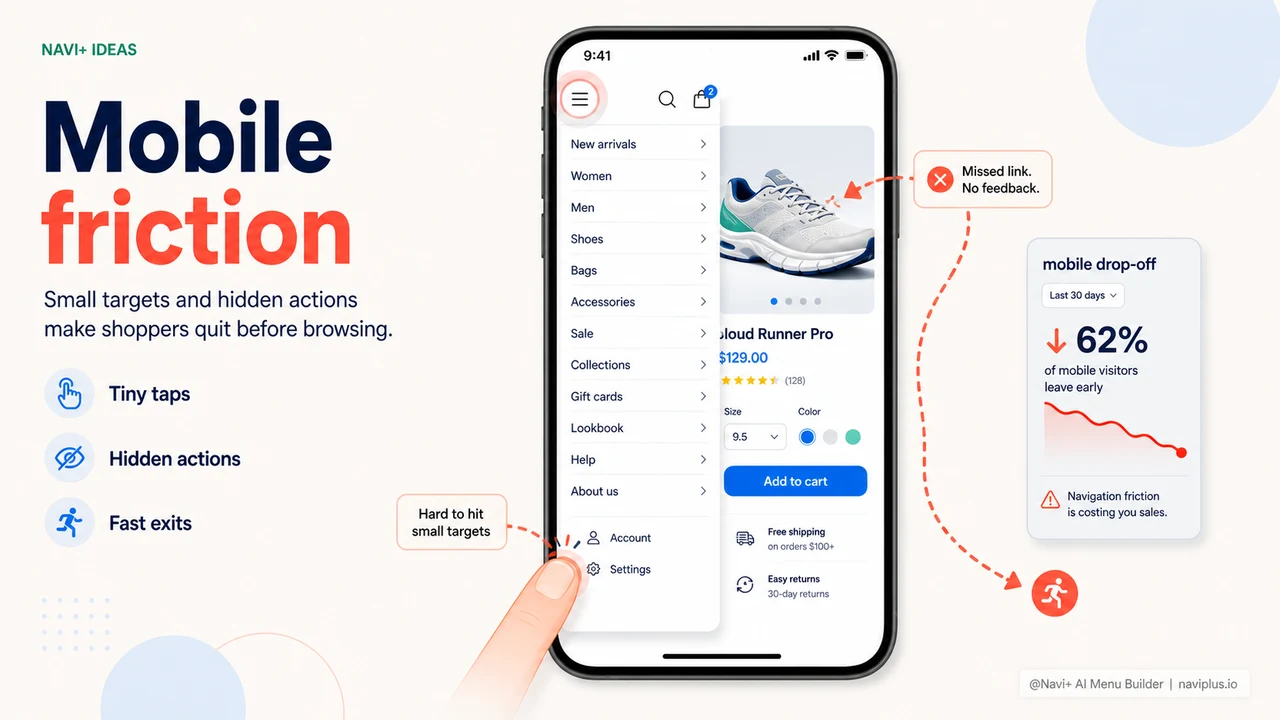
70% of your visitors are on mobile — but your menu is driving them away
 →
→
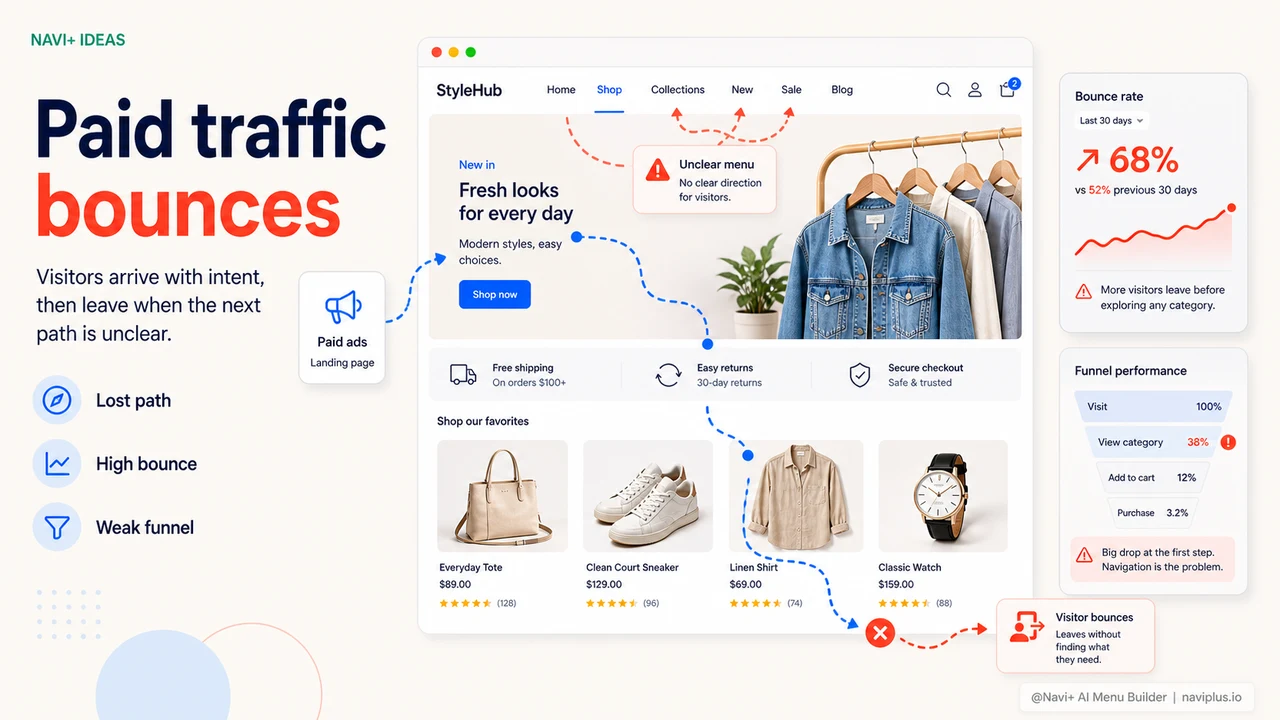
Paying for ads but customers bounce immediately — poor navigation is breaking your funnel
 →
→
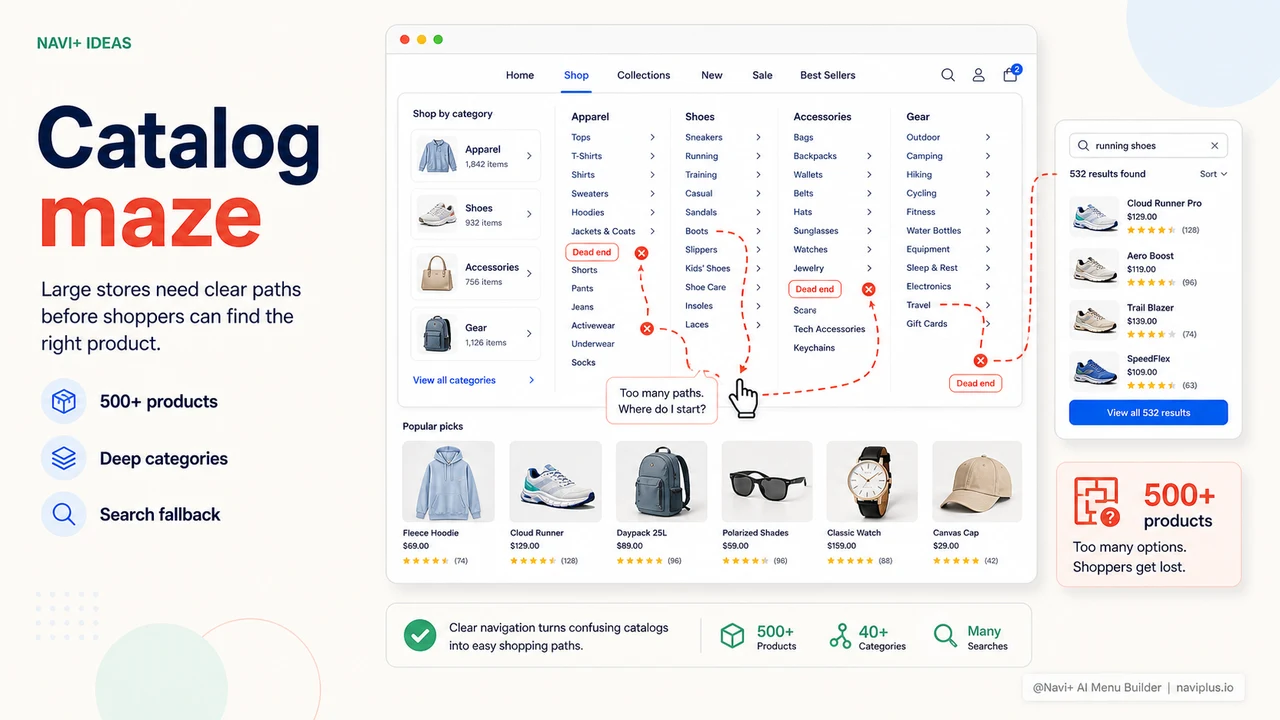
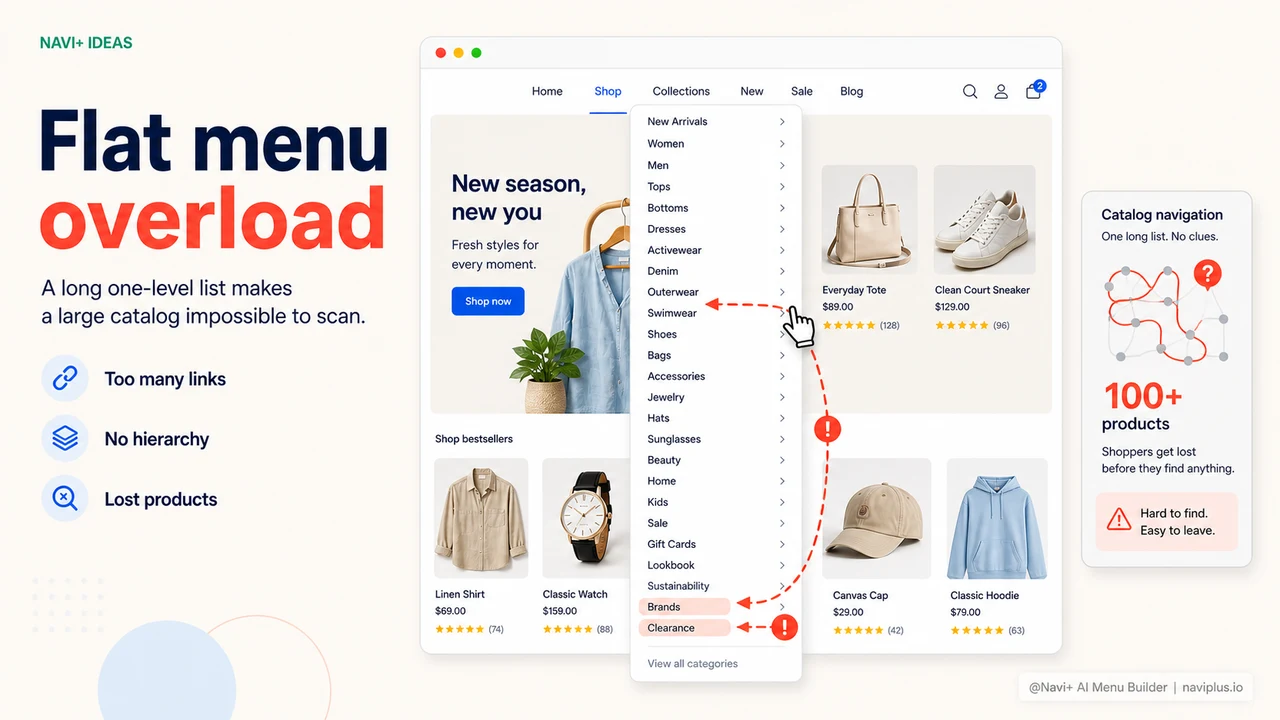
500+ products but a flat menu — customers get lost in your store instead of buying
 →
→
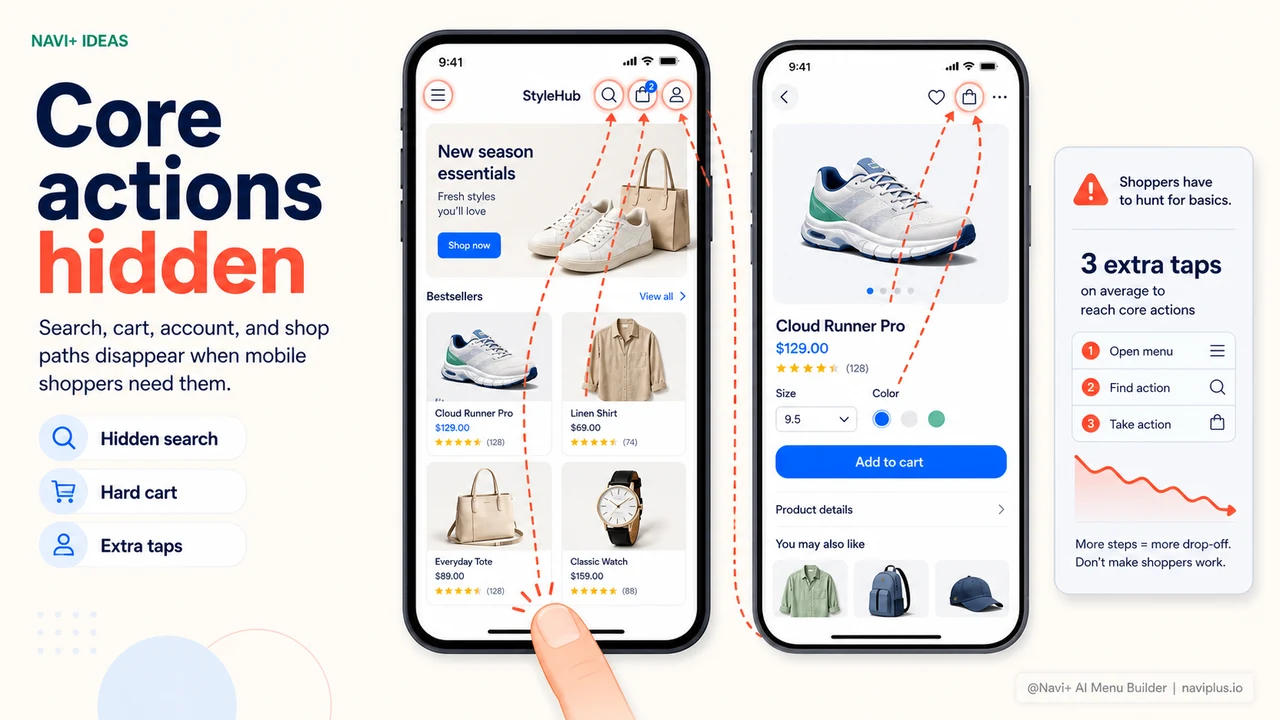
Use Navi+ to add bottom navigation — app-like experience on mobile
 →
→
Use Navi+ to add images and banners to your menu — no code needed
 →
→
Use Navi+ to build a multi-level mega menu so customers can find products
 →
→
Use Navi+ to replace the hamburger menu with a professional slide menu
 →
5 min read
→
5 min read
The navigation visible without scrolling determines first-session outcomes
 →
5 min read
→
5 min read
New visitors have no mental map of your store — navigation must build one instantly
 →
5 min read
→
5 min read
Post-purchase navigation — keeping buyers engaged after checkout completes
 →
5 min read
→
5 min read
A visitor decides in two seconds — your navigation is the deciding factor
 →
5 min read
→
5 min read
Dead-end pages are quietly killing your conversion rate
 →
5 min read
→
5 min read
Repeat visitors don't want to start from scratch — give them shortcuts
 →
5 min read
→
5 min read
Most of your visitors shop on mobile — is your navigation designed for them?
 →
5 min read
→
5 min read
Search is the shortcut your best customers use most — is yours where they expect it?
 →
5 min read
→
5 min read
The words you use in navigation determine whether shoppers stay or leave
 →
5 min read
→
5 min read
When visitors use search instead of navigation — and what it tells you about your menu
 →
5 min read
→
5 min read
Filters are navigation — why treating them separately costs you conversions
 →
5 min read
→
5 min read
Accessible navigation is better navigation for everyone — the business case for inclusive menus
 →
5 min read
→
5 min read
Breadcrumb navigation — the orientation tool that keeps visitors exploring deeper
 →
5 min read
→
5 min read
Footer navigation strategy — serving your most committed visitors with the right links
 →
5 min read
→
5 min read
How deep should your navigation go — the case for shallower menus with better labels
 →
5 min read
→
5 min read
When and how to update your navigation for seasons, holidays, and events — the execution guide
 →
5 min read
→
5 min read
Reading your navigation analytics — the metrics that reveal what visitors actually want from your menu
 →
5 min read
→
5 min read
Integrating new products into existing navigation — how to expand without disorienting loyal visitors
 →
5 min read
→
5 min read
When to use a mega menu — the product catalog scale that justifies an expanded navigation layer
 →
5 min read
→
5 min read
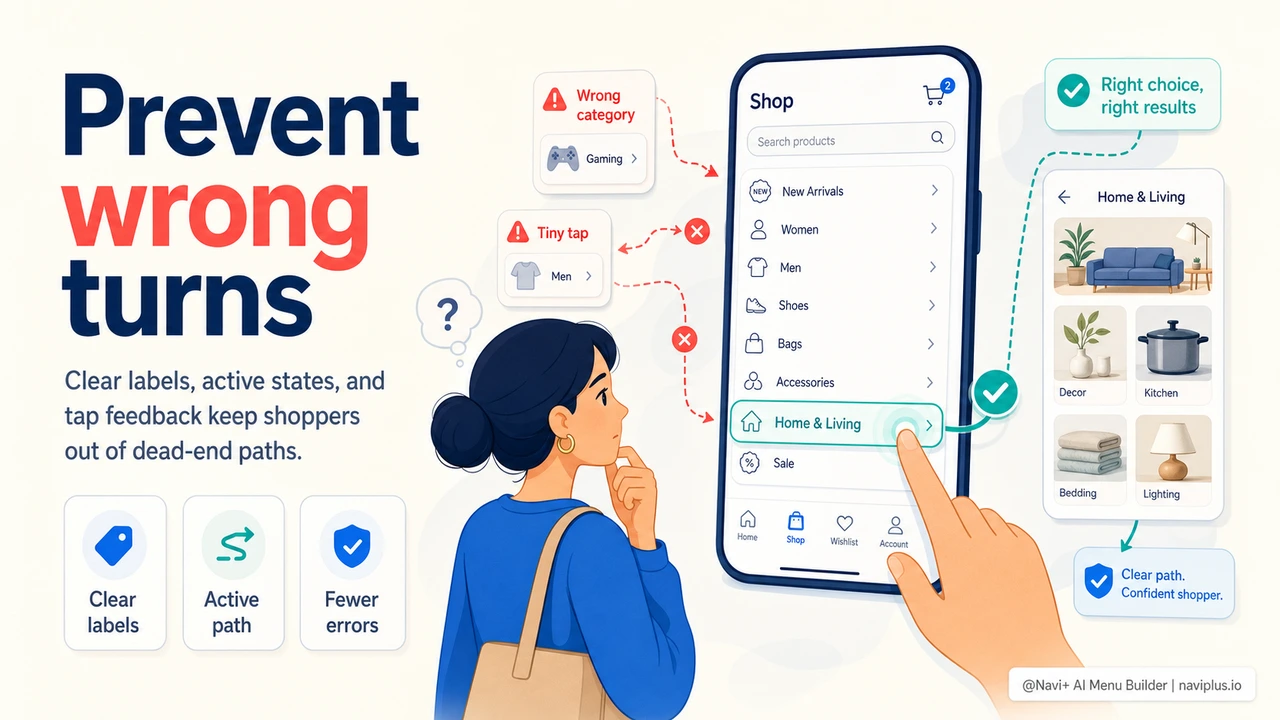
Navigation when nothing is found — keeping visitors moving when search returns zero results
 →
5 min read
→
5 min read
Contextual navigation — tailoring your menu to where visitors are in the buying journey
 →
5 min read
→
5 min read
Reducing cognitive load in navigation — how fewer choices produce faster, more confident buying decisions
 →
5 min read
→
5 min read
Navigation speed and perceived performance — why menu response time affects conversion even on fast connections
 →
5 min read
→
5 min read
First-purchase navigation — removing every barrier between a new visitor and their first completed order
 →
5 min read
→
5 min read
Trust hierarchy in navigation — how menu structure communicates credibility before a visitor reads a word
 →
5 min read
→
5 min read
Zero-results navigation recovery — keeping visitors moving when search and filters return nothing
 →
5 min read
→
5 min read
Navigation as a product discovery engine — designing menus that surface unexpected products and increase catalog depth
→
5 min read